If you are a photographer and want to get to the public in the fastest way, there is no better way than Instagram Stories nowadays! Creative Instagram stories help people know you, trust you. Most importantly, it helps them to remember your work! Isn’t it amazing?
However, that is also a fact that many photographers find it a little bit difficult to understand what they should post every day. That is why here we are! In this comprehensive guide, we will help to find amazing and creative Instagram story ideas just for you. They are simple ideas, but more than professional. What are they? Let’s get to know it!
Why Instagram Stories Work So Well for Photographers?
Well, if we’re honest, Instagram Stories help photographers in a special way. They show your work in a fast and natural format. That is because your viewers do not need to scroll or think too much.
On top of that, Instagram stories feel personal. When your viewer watches your story, they feel like they are behind the camera with you. Ultimately, it builds trust and connection. Of course, when people trust you, they are more likely to book you for your work!
That is not all!
You can stay active with Instagram stories. If you post more and more stories, Instagram is more likely to show your content to others. It can keep your profile active and growing.
Let’s check out a few more reasons for Instagram stories.
- They show your real work process. People love to see how photos are made.
- They enhance engagement with your profile.
- They show your personality. Your tone and your style help people to know you better.
- They remind people about your work.
45+ Creative Instagram Story Ideas for Photographers
As we have already mentioned, Instagram Stories give us a simple way to show our work and our personality. You know people love fast and real content. And that is what we are giving to our viewers with Instagram stories.
So, what are the creative Instagram story ideas? Let us check it out below.
Behind-the-scenes story ideas
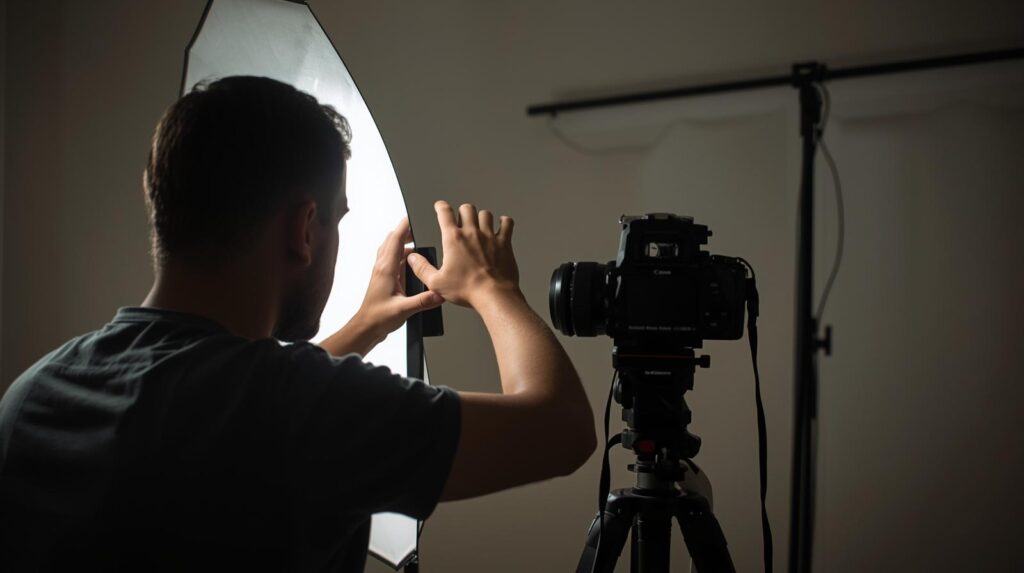
If you notice, you will see people love to watch how a photo is clicked. Well, it can be for inspiration or to book your work. Both can be possible. They want to see your thinking and the small steps behind each shot. BTS stories make people feel close to you. Why? That is because they see the original version of your work with it.
Below are a few behind-the-scenes story ideas. You can use it anytime for your Instagram stories.
1. Show your camera setup
First of all, you can show your camera setup to your viewers. When you show your setup, viewers feel like they are learning something new. Moreover, they feel engaged as they don’t need to read a long tutorial.
Here, you can take a clean picture of your camera setup or your lighting arrangement. In this case, you can add a caption like “Today’s setup for the portrait shoot.” It will make your story look clean and professional.
2. Location scouting moments
As you are a photographer, you must always have to choose the best spot for your photography. You can also use this as your Instagram story. Here, you can record a short clip of you checking the light, testing angles, or looking at a beautiful corner.
You can add a poll sticker like “Which angle do you like more?” to make the story more engaging. Thus, you can make your viewer an important part of your decision. The result? Increase engagement!
3. What’s in my camera bag
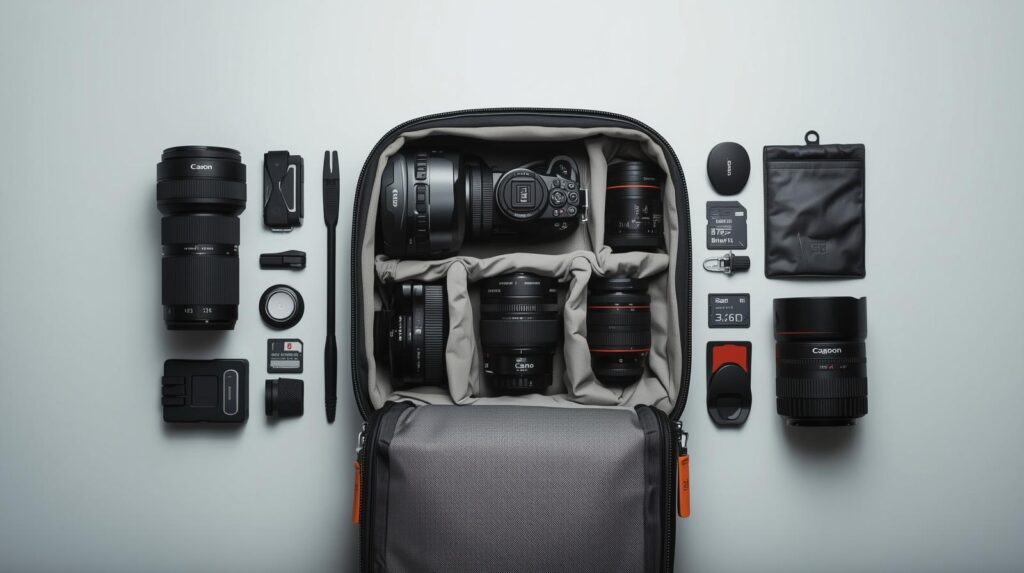
You may have noticed that people love to watch unpacking videos. So, if you show your viewer what you are carrying in your bag or tell them how you have done preparation, it will make a great story idea. On top of that, you can easily film these types of stories and make your profile look professional.
Like you can lay your items neatly on a suitable background. Then take a photo or short video. You can add text labels like “Main lens,” “Backup battery,” or “Favorite memory card.” That will be great, right?
4. Lighting test shots
It is something that you always do, and you can also make your viewer see it. They will love to do so. You can record a short clip of you moving your light source and checking shadows, and add simple text like “Testing the light before the shoot.” You can also add an emoji slider. It will help the viewers to rate the lighting.
5. Time-lapse of setting up the scene
You can also post time-lapse stories on Instagram. It can be you setting up a background, arranging props, or cleaning the studio. It will give your audience a fast and fun peek into your preparation process.
However, you should keep the clip short. You need to make sure the story feels quick and exciting. You can add a caption like “Getting ready for the shoot!” to make it exciting.
6. Quick voice-over update
Here, we are suggesting that you add a short voice-over story to make your audience feel more connected to you. You can speak for 5–10 seconds and explain what kind of shoot you’re doing today.
On Instagram, some people like to hear a voice rather than text. However, you should add subtitles because many viewers watch with the sound off.
Editing & before/after story ideas
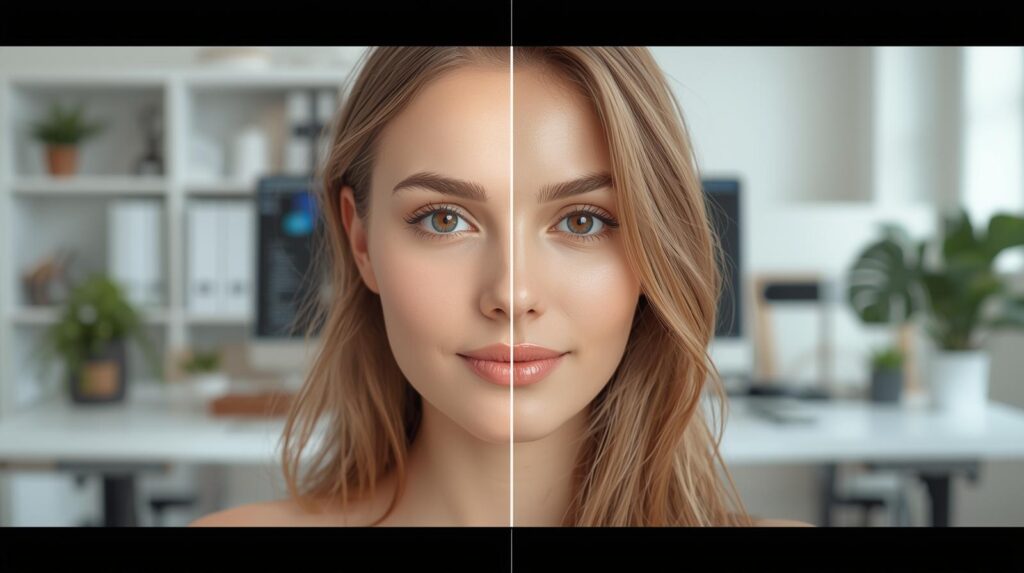
As a photographer, we have to do many edits in our photography. We can also use it as a story on our Instagram. That is because it is also an exciting part of photography, and your audience loves to see it. And you know what the best part is? You don’t need long tutorials!
So, check out the story ideas below.
1. Before-and-after reveal
I personally suggest using this Instagram story as a photographer. That is because it shows your editing talent in seconds. You can let the people know your skill you transforming content into a clear “wow moment.”
Here, you can show the raw photo first. Then the edited version next. You can also use a split photo or a slider tool to make the comparison even more fun.
2. Editing timelapse
It is also a good idea to consider for your Instagram story. Here, you can record your screen when you are adjusting colors or changing tones. You know, in this case, a 5–7 second clip will be enough. You can also add text like, “Color grading this portrait!” It will keep the story simple and professional.
3. Preset or filter showcase
If you use your own presets, you should also let your viewers see them. For instance, you can show two or three photos with different presets you have used. It will give your audience editing inspiration and help them understand your style better. You should also add short labels like “Moody” or “Soft film look” to make the story easy to understand.
4. Recreate an old edit
I also upload these types of stories on Instagram. That is because it brings a high level of engagement with nostalgia and creativity. Here, I generally take an old photo and re-edit it using my new style. They show the “old edit” first, then the updated version right after. My true followers love to see how my skills have grown over time.
5. Editing mistake you fixed
That is natural; every photographer makes mistakes when they are editing. But you can turn this mistake into a great story idea. You can share with your viewer how you have fixed one mistake. It can make you more relatable. You can also say something simple like, “The highlights were too strong, so I softened them.”
6. Show RAW file vs final edit
You know, RAW photos often look flat or boring. When you show the RAW file first and the final edited photo, viewers can instantly see your talent. It shows your high editing skills. That is because the difference looks dramatic and beautiful.
7. Share your editing tools

You can show the editing tools you use often. Like the exposure slider, clarity tool, or color mix panel. Then you can make two quick stories. For instance,
- One story explaining tool #1
- One story for tool #2
8. Short editing tutorial
You can show a quick editing tutorial to the viewers. It will make people interested in photography, to explore your profile to find the whole tutorial. In such cases, you can pick one quick trick. Like how to add warmth or boost contrast. However, you should keep the explanation short and clear.
9. Favorite editing app of the day
If you edit on Lightroom, VSCO, Snapseed, or even your phone’s app, you can show it in your story. Here, you can add a title like “Today’s editing is done in Lightroom.” It helps to build trust and gives your followers something useful to try.
Showcase your work creatively
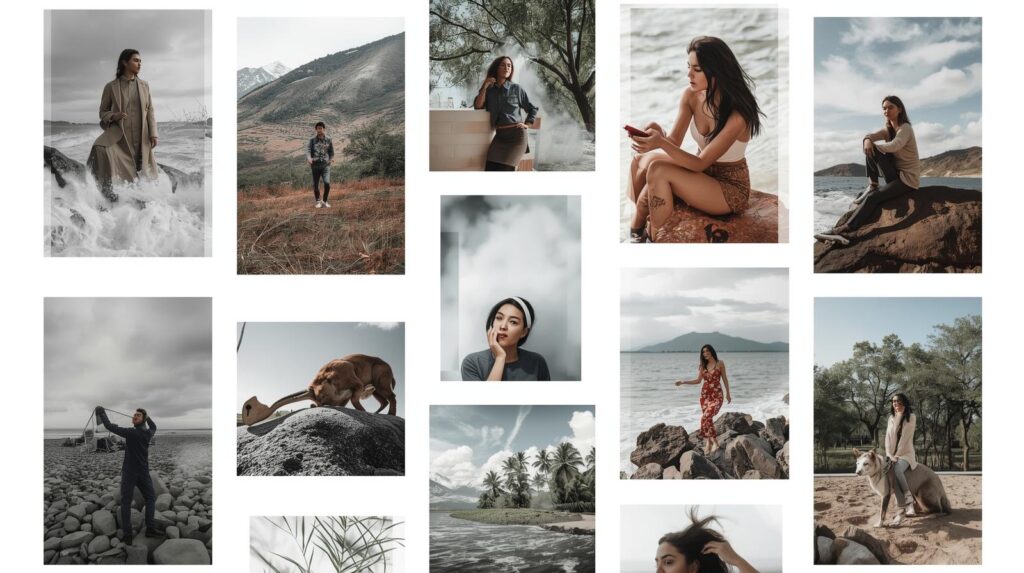
Why not show the creativity of your work in the Instagram stories? It feels exciting, right? You know, when you share these types of stories, it shows your creative ways in photography. On top of that, it inspires your audience and keeps them engaged.
Here are some ideas to showcase your photography in stories.
1. Photo series story
On Instagram, you should not just post one image. Instead, you can share a series of photos from the same shoot. It can be a mini-story within your story. For example, you can share a portrait session. For instance,
- The setup photo
- A close-up detail
- The final portrait
It will give your audience a sense of progression. Moreover, they will feel like a part of your creative process. Then, simple text like “A day at the beach photoshoot 🌊” does the magic of the rest!
2. Collages or grids
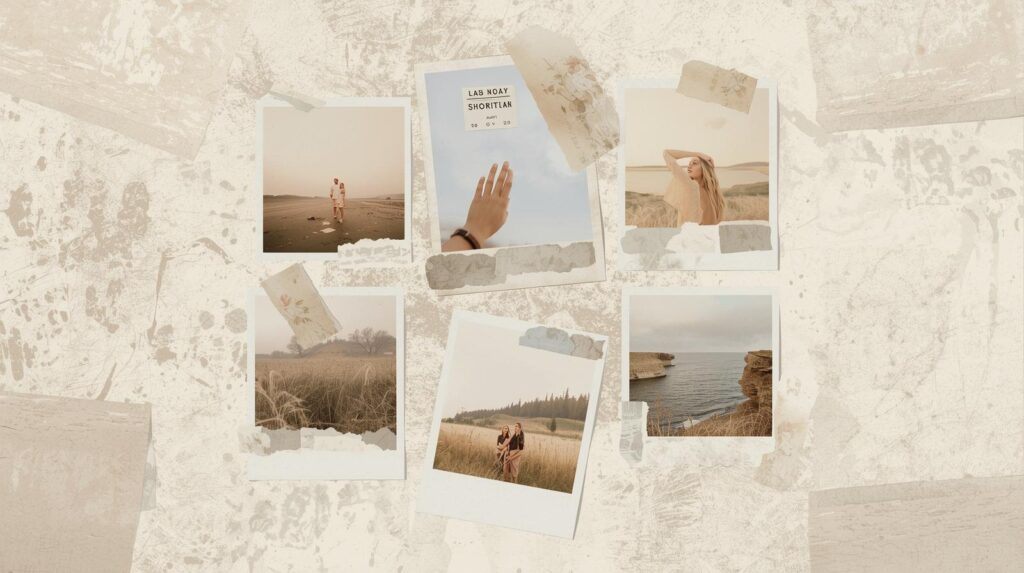
You can use collage layouts to show multiple images in one story. Collages allow you to show different photos in one frame. It is perfect for before-and-after comparisons or themed photos. To do so, you can use apps like Canva, Unfold, or Instagram’s own layout tool to make it clean and professional.
3. Moodboards or inspiration boards
You can show the aesthetic behind your photos with Moodboards. Here, you need to combine images and textures that have inspired you for the shoot. You should also add text. It can be like “Moodboard for today’s shoot ✨”
4. Highlight client work
If your client allows, you can share their photos in your stories. You can also tag them to give credit. It will encourage them to share it with their audience, too. You can also add a sticker of appreciation or a mention sticker. It will build social proof and trust.
5. Teaser stories for upcoming projects
You can also share glimpses of your upcoming shoot or project. Here, you can crop a photo or show a blurred sneak peek to create curiosity. In such cases, you can add a sticker like “Coming soon 👀” or a countdown sticker. It generally increases excitement and engagement.
6. Interactive “Pick Your Favorite” stories
If you have multiple final shots, you can ask your audience to pick their favorite. You should use poll or quiz stickers in such cases. Like “Which edit do you like more? A or B?” It will engage your viewers and give you feedback for future edits.
Personal and day-in-the-life stories
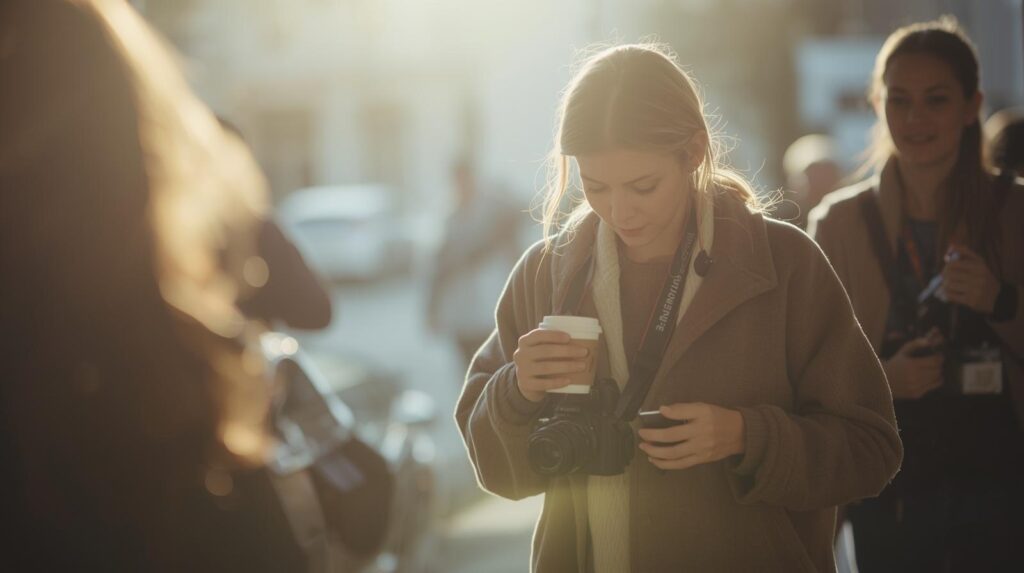
You don’t just need to show your work as a photographer in the stories only. You can also show your behind-the-camera life. You can share your personal moment and your daily workflow. It helps to build connection, trust, and relatability. These stories help your audience feel like they know you.
Here are some ideas for you that you can try.
1. A Day in your workflow
You can show your audience what a typical day. For example,
- Morning coffee + planning
- Editing session
- Photoshoot on location
- Final review and posting
You can also share short clips for each part of your day. It can make your stories feel real and approachable.
2. Workspace tour
Generally, most photographer shows their editing setup in the stories. And here, people enjoy seeing how you organize your space and what tools you use. You can do a slow pan across your desk or a short Boomerang of your computer screen with a caption like, “Where the magic happens ✨”. Feels engaging and professional, right?
3. Favorite photography books or apps

In Instagram stories, you can also share your that inspire your work. Such as photography books, Instagram pages, apps, or tools. Like you can share a photo of your favorite photography book with a short caption like “This book taught me lighting tricks I use every day 📖”
4. Inspiration and creative process
You can also show snippets of things that inspire your shoots. For instance, a beautiful street scene or a color palette. You can also share the textures you plan to use in your next photos. This kind of story helps your audience understand your vision and style.
5. Personal wins or milestones
In your photography profession, when you achieve something, I personally think you should share it with your audience. That does not matter at all, even if it is a small achievement. You can share the storing of finishing a big project, hitting a follower milestone, or completing a client shoot.
Engagement-boosting interactive stories
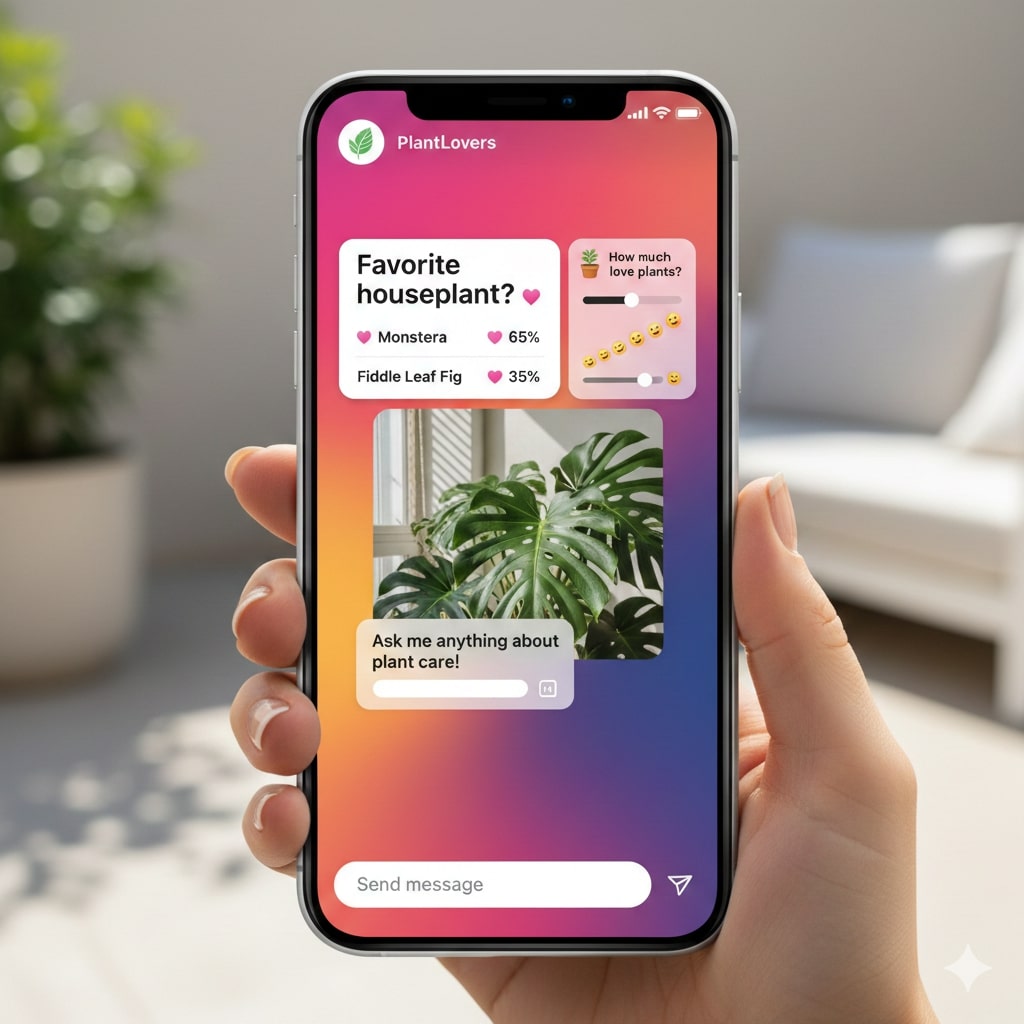
If you want to grow your Instagram as a photographer, you should share interactive stories. That is because when people tap, vote, or reply to your stories, Instagram notices it. Then the app shows your content to more viewers.
So, that means, interactive stories are not just about fun. It also helps you to grow your profession. So, how can you do so? Let’s check it out below.
1. Poll stickers
You can create polls in stories for quick interaction. Here, you can ask questions like:
- “Which photo do you like more — A or B?”
- “Should I use a warm or cool filter?”
Polls are fast for viewers to answer. They give you immediate feedback and make your stories fun.
2. Quiz stickers
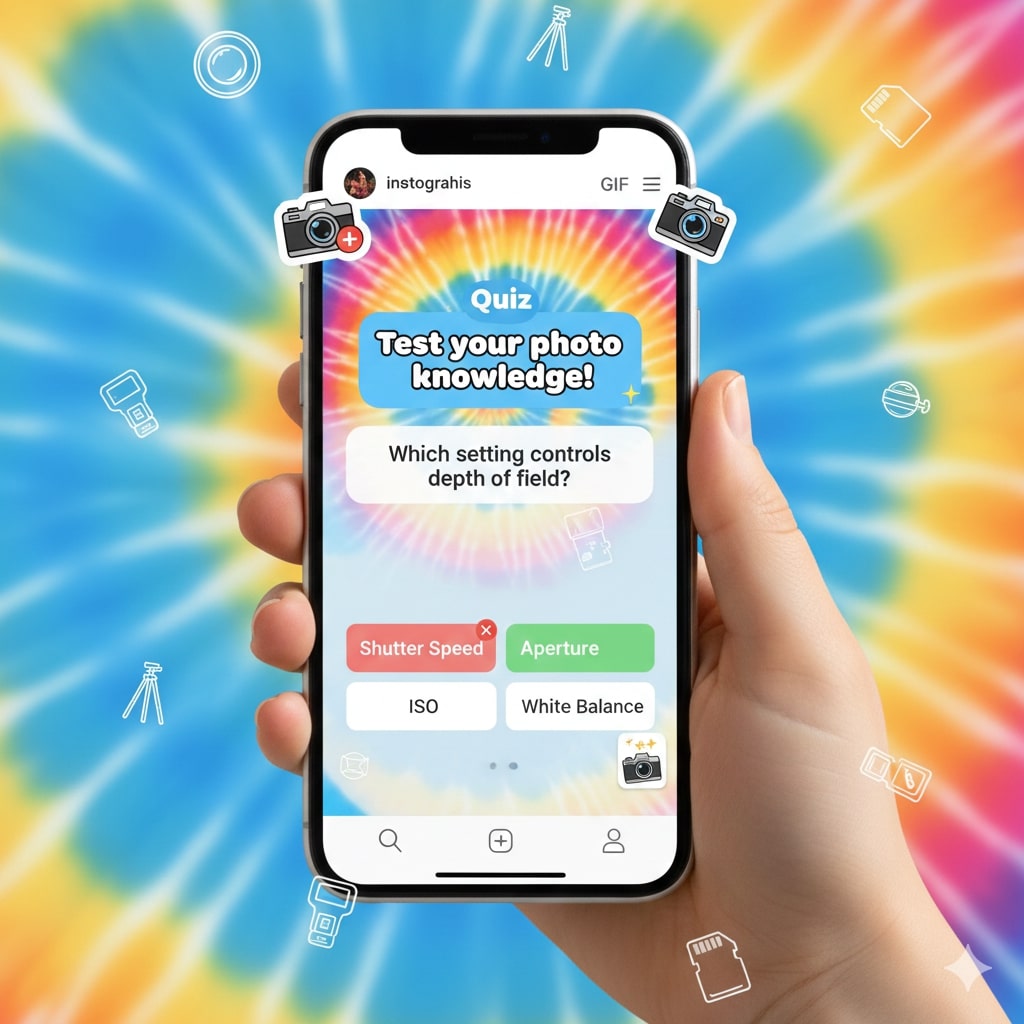
You can also add quizzes to make the stories a little more educational and entertaining. You can ask the quizzes like
- “Guess the lens I used for this shot.”
- “Which city was this taken in?”
This type of story encourages viewers to think and tap into your stories. Ultimately, it enhances engagement.
3. Emoji slider stickers
You can also add emoji sliders to let viewers express opinions quickly. For example, you can show a portrait and add a heart slider with a text like “How dreamy is this?” It makes the stories visually fun and feels interactive.
4. Question box stickers
It is another good idea to make the Instagram stories interactive. Here, you can add Question boxes to start a conversation. Like “Ask me anything about photography!” or “What do you want to learn next?” It helps to engage viewers and gives you ideas for future stories.
5. Countdown stickers
Countdown stickers are great for teasers and announcements. You can share new photoshoot reveal, release of presets, or launch of a service or event through stories. Countdowns build anticipation and excitement. It keeps people coming back to your stories.
Niche-Specific Instagram Story Ideas
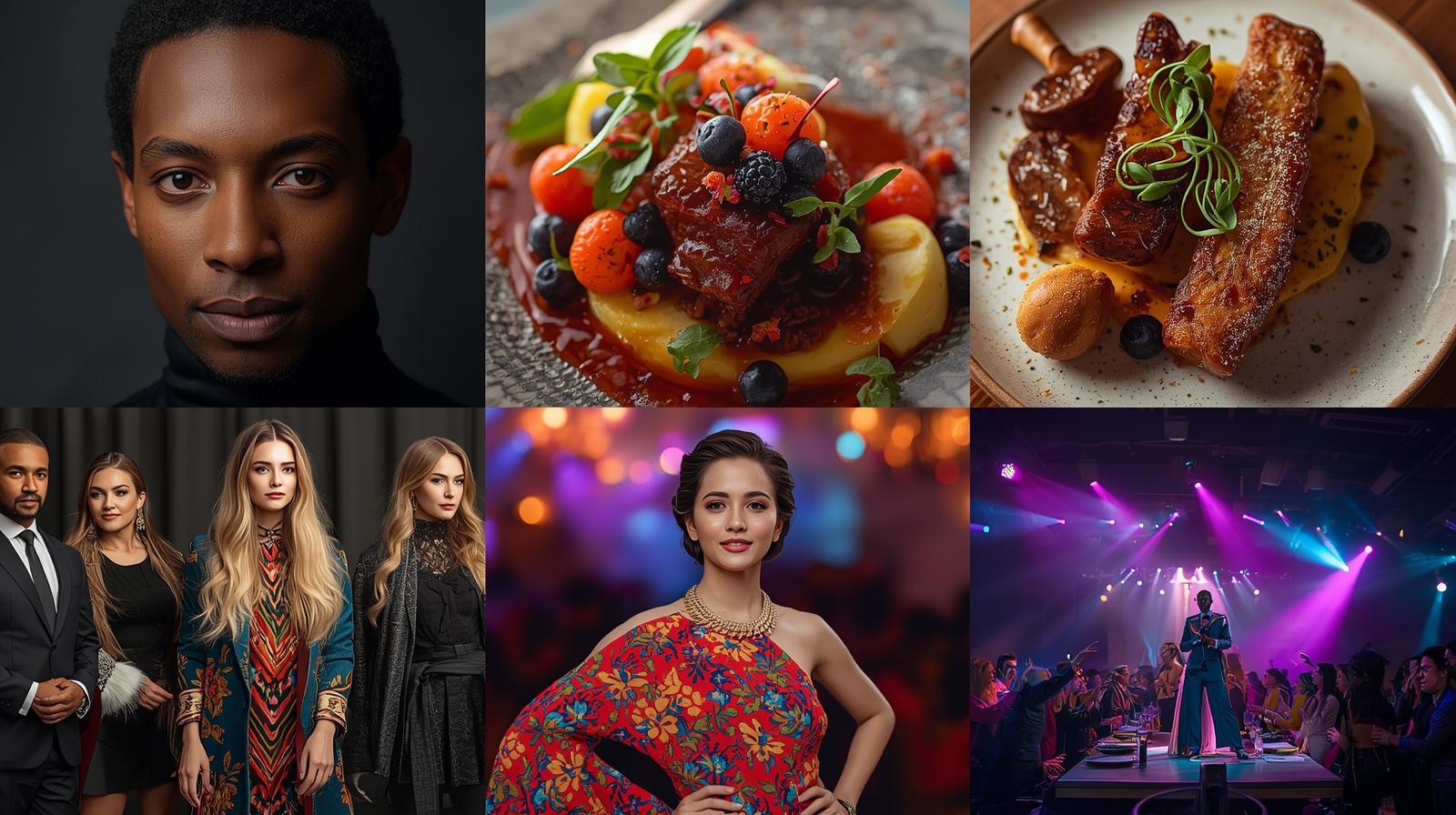
As a photographer, you must have to click photos in different niches. You must also agree that every photography niche has a unique audience. For this reason, you can customize your Instagram stories to your specialty or niche. It makes your content more relevant and engaging, and memorable.
Here are some niche-specific Instagram story ideas.
1. Portrait photographers
Portrait stories should focus on people and emotions. You can share a mini-series from a single shoot to show the story behind the images. For example, you can post a shy smile, a candid laugh, and the final edited portrait. It will give your viewers a sense of progression and personality. You can also share behind-the-scenes clips showing your lighting setup or posing tips.
2. Wedding photographers
For wedding stories, you can share candid moments. For instance, the bride and groom preparing, a sweet first look, or décor details at the venue. Moreover, you can also add sneak peek shots of the ceremony or portraits. It builds excitement and allows your audience to feel part of the special day.
3. Product photographers
If you are doing product photography, its stories should highlight the detail and quality of the products. You can show your setup with lighting and props, zoom in on textures, or share before-and-after edits. You can also post client testimonials with the product image.
4. Travel photographers
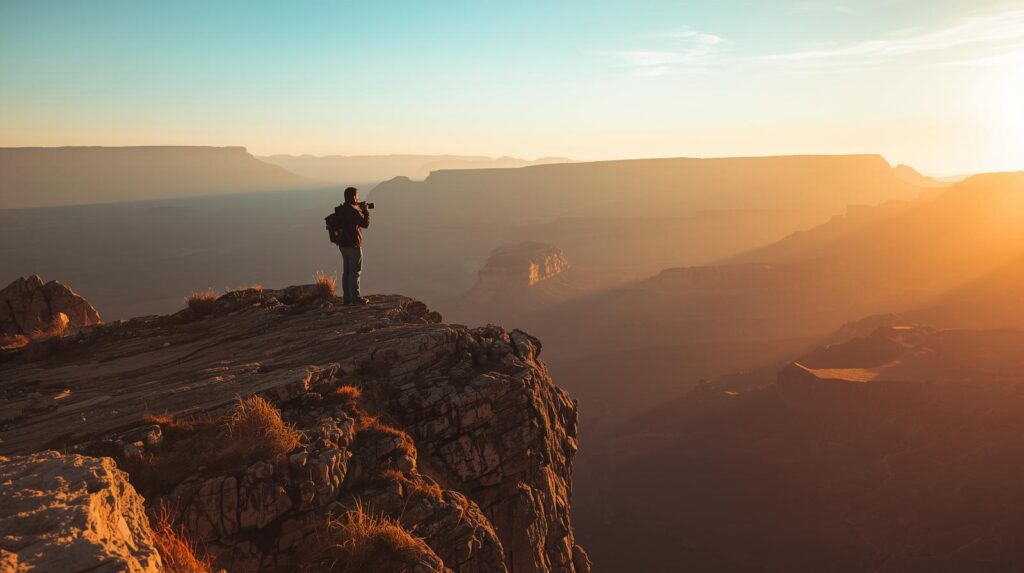
In travel stories, you can share scenic time-lapses of sunsets, cityscapes, or waves. You can also include short clips of local streets, food, or culture. You can also show what gear you packed for the trip. You can also add polls or quiz stickers like “Guess where this photo was taken?. It can make your stories more interactive.
5. Food photographers
For food photography, focus on colors, textures, and plating. You can share shots of the dish, your setup, or the editing process. You can also add quick tips like lighting adjustments or composition tricks.
6. Event photographers
In Event photography stories, you should capture energy, atmosphere, and highlights. You should share moments like speakers, performances, decorations, or group photos. You can also add clips of your work process. Like setting up shots or adjusting lighting. It helps viewers to see your work process.
7. Pet photographers
You must agree that pet stories are fun and playful. I generally love to share behind-the-scenes moments of pets interacting with props and their expressions. I also share small editing tips or favorite poses in stories with captions like, “Who’s the cutest?” It works great to let viewers vote on their favorite pet shots.
Tips to Make Your Instagram Stories Look Professional
That is true, you need to post stories regularly on Instagram. However, you need to make your stories look clean and professional. That is because it is what keeps people coming back. You will not need much. Just a few creative ideas and tips. Let us check it out below.
1. Maintain a consistent style
You should maintain a consistent style in your stories. That is because it helps your audience to recognize your stories immediately and your brand. That is why you can use similar fonts, colors, and filters for every story. For example, if you usually use warm tones in your edits, you should try to keep your text and sticker colors in the same palette. It creates a professional and reliable brand identity.
2. Use high-quality images and videos
You must ensure that to share high-quality stories with your audience. You should always use the highest resolution as much as possible. You know, if you share blurry or pixelated images. It can make your work look unprofessional. If you are even sharing quick behind-the-scenes clips, it must have to be be clear and well-framed. You should make lighting adjustments or cropping to ensure good stories.
3. Add simple text overlays
You should add text in your stories to communicate your message quickly. You can use short and clear captions that specifically indicate the images you are sharing. You should avoid overcrowding the story with long paragraphs. It makes the stories unprofessional. Instead, you should add short lines. They are easier to read and visually appealing to the audience.
4. Use stickers and interactive elements wisely
As we have already mentioned, polls, sliders, countdowns, and mentions make stories more engaging. But you have to be careful not to overdo it. You should place stickers where they don’t block the main subject of your photo. If you use the stickers strategically, it can enhance your story’s professionalism without making it look cluttered.
5. Use templates or layouts
You should keep in mind that if you even add simple layouts in your stories, it can make a story look professional. Here, you can use apps like Canva, Unfold, or Storyluxe to do so. They offer templates that help you arrange multiple images and stickers neatly. On top of that, templates save time and keep your stories looking the same.
6. Keep videos short
You know Instagram stories are meant to be quick and digestible. That is why you should trim videos and keep them under 10–15 seconds. You can also use fast cuts or timelapses to keep viewers interested without losing the essence of your stories.
Instagram Story Timing Tips for Photographers
You know you should also choose when and how often to post your stories. That is because the timing of the stories can make a big difference for reach and engagement.
A study from 2026 shows that accounts posting 3–5 Stories per day often get 2 to 3 times higher daily reach compared to accounts that post just once. So, you should also consider it.
Here is a quick overview of which timing what type of stories you should post.
| Time Slot (Local) | What’s Good About It | Suggested Type of Story for Photographers |
|---|---|---|
| 7–10 AM | People are checking their phones after waking up. They are like the first scroll of the day | Morning setup, “what’s coming today”, gear‑bag peek, and planning shots |
| 12–2 PM (Lunch break) | Many check Instagram during rest or meal time | BTS mid‑shoot, editing previews, quick polls, or Q&A |
| 3–4 PM (Afternoon break) | Some users browse social during short breaks. It helps catch extra views | Location scouting, lighting tests, and behind‑the-scenes clips |
| 6–9 PM (Evening / After work) | People are relaxing and have free time. They are more likely to engage deeply | Final photos, story recap, interactive polls/quizzes, and reflections |
| Late evening 9–11 PM | It is for night‑owl followers. It is good for a global audience or different time zones | Casual or personal stories, editing sneak peeks, and informal Q&A |
Wrapping up
All in all, Instagram Stories is a great way for photographers to showcase their work and connect with their audience. Here, using creative ideas and interactive elements, you can make your stories engaging. That is why you should experiment with different formats and post thoughtfully. Keep in mind that with the right strategy, your Instagram Stories won’t just be posts. They will become a professional extension of your photography brand!