Where the photography world is now turning to creativity, Photoshop allows us to show that creativity beyond the normal click. Actually, we don’t just use Photoshop to fix errors or adjust exposure. It has now become a digital tool by which we can express our minds. We can add a layer of magic and professional style, which can make our portfolio stand out.
That’s why, if you also love to push boundaries and turn simple photos into art, you can try out different creative Photoshop ideas and effects. To help you out, we have discussed 30 creative Photoshop ideas for photographers in this comprehensive guide. Just read on.
Creative Photoshop Effects You Can Try
Ready to take your photography to the next level? These 30 Photoshop effects will inspire you to experiment, add flair, and create images that truly stand out.
1. Black & white effect
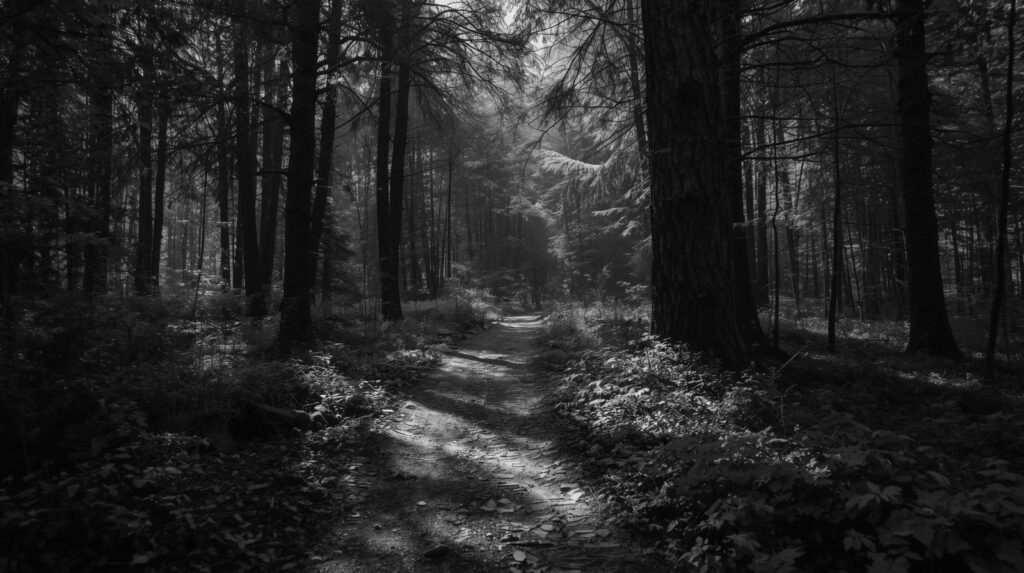
When we want to have a great monochrome conversion, it isn’t just about removing color. It’s about managing luminance. So, you can use a Black & White Adjustment Layer in this case. It allows us to punch up the reds to brighten skin tones or drop the blues to turn a pale sky into a deep and moody backdrop. Use a Curves layer to slightly crush the blacks, keeping the highlights crisp.
2. Adding lens flare
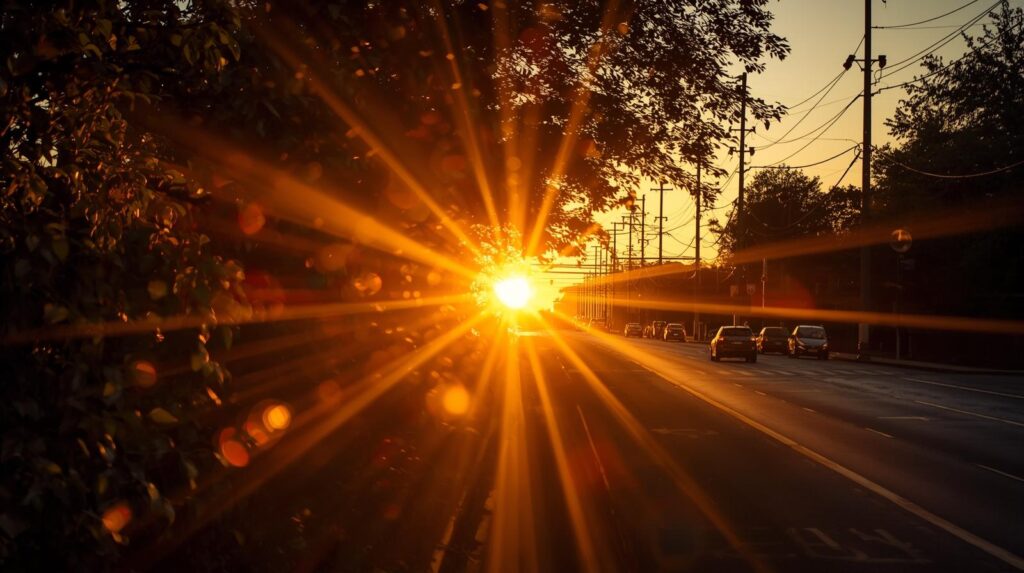
We can also add lens flare in our images with Photoshop. Lens flare doesn’t just brighten a spot. Instead, it stimulates how light actually interacts with glass. To do this, create a new layer filled with solid black. Set it to Screen mode and use Filter > Render > Lens Flare. Now press Ctrl+U to shift the hue. It’ll help to match the temperature of your photo. If you think the edges are looking too harsh, you can apply a slight Gaussian Blur. It’ll make the flare feel like it’s bleeding into the scene naturally.
3. Paint trickle effect
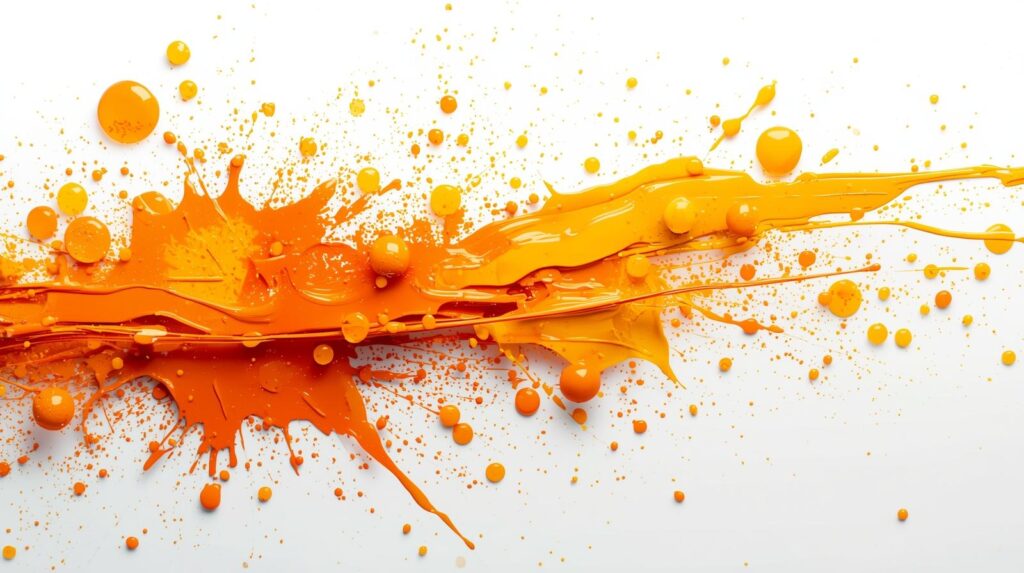
The paint trickle effect is the best way to blend photography with digital abstract art. Here, the goal is to make it look like paint is literally melting off your subject. First, you need to use the Lasso Tool to select the areas where you want the “drip” to begin. Then use the Liquify tool and the Forward Warp Tool to drag the pixels downward in long and fluid strokes.
You should use a small brush to create beads at the ends of the drips to make it look realistic. We’re almost done. We need to just finish it by adding a little Drop Shadow on a separate layer. It’ll give the melting paint some 3D depth against the skin or background.
4. Droste effect
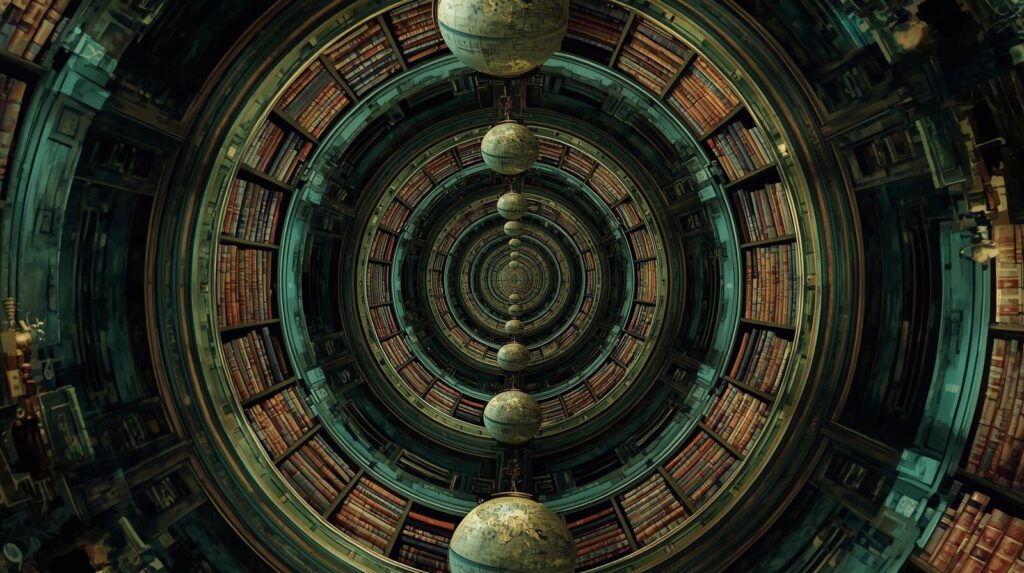
The droste effect in the image means we want to create a picture within a picture look in our photo with Photoshop. It creates a recursive loop in the image. To me, it’s a fantastic way to turn a standard portrait into an amazing, surreal piece. So, if you also want to create the droste effect in the photo, you’ll need an image where the subject of your photo is holding a frame or a screen.
Now, use Photoshop and Mask out the inside of that frame to create a transparent hole. Then, paste a copy of the entire image into that space. Next, you will need to scale it down and rotate it so that it matches the perspective of the frame. You can repeat these steps a few times to create an infinite tunnel look in the image. So, you must understand how this simple concept can turn your image into a truly WOW photo.
5. Double-light effect
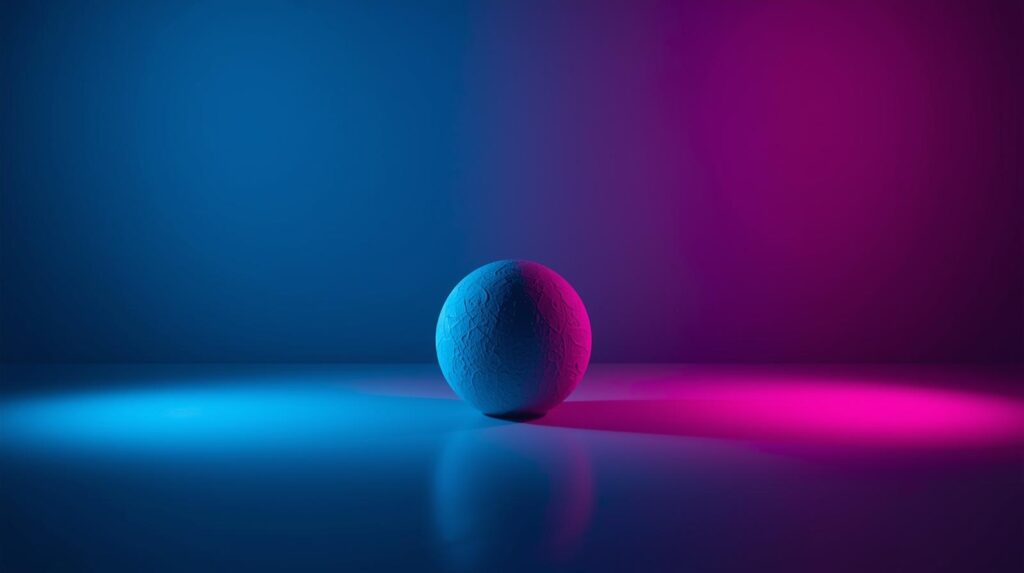
Now let’s move to our next great Photoshop idea. It’s about creating the double-light effect or dual-tone effect. You can add a high-fashion or neon vibe effect to your portraits. The effect is like two different colored gels hitting your subject from opposite sides.
Now, to do this in Photoshop, add two Gradient Map adjustment layers. Next, choose two contrasting colors. For instance, cyan and magenta. Use a Layer Mask with a large, soft brush to hide the cyan on one side and the magenta on the other. It’s important to let the colors overlap slightly in the midtones to create a natural transition.
6. Double-exposure effect
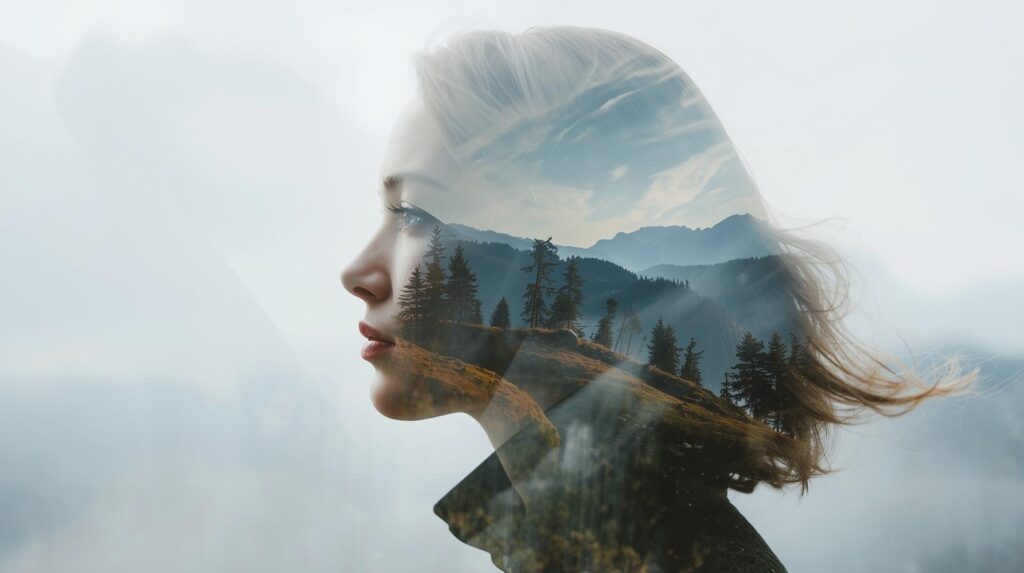
The double-exposure effect is a beautiful way to merge two different worlds into one hauntingly artistic image. You can create a surreal connection between your subjects. For instance, you can blend a silhouette of a person with a dense forest or a bustling city skyline. In Photoshop, you can create this by changing the Blending Mode to Screen.
First, place your second image over the first image and change the mode I said just now. This technique in Photoshop creates a sense of mystery and emotional storytelling in your creative photography ideas.
7. Dispersion effect
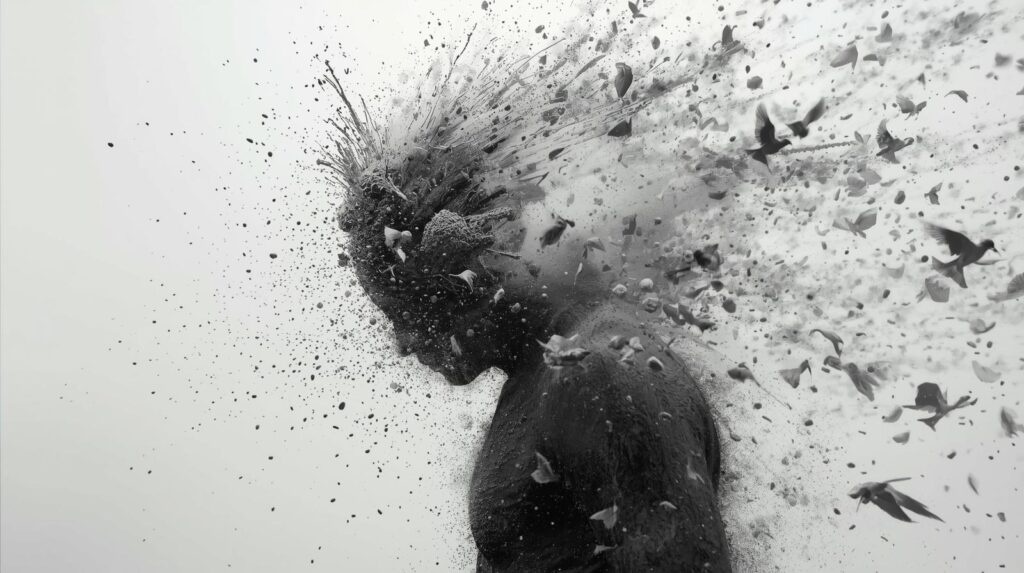
The dispersion effect is a really cool way to make it look like your subject is breaking apart or exploding into small pieces. It adds a lot of energy and movement to a photo. You’ve probably seen it in movie posters where a character looks like they are turning into dust or shards of glass. It’s very easy to create this effect in Photoshop. Here are the steps.
- First, you just need to make a copy of your subject
- Use the Liquify tool to stretch it out in the direction you want the pieces to fly. It will look a bit messy at first. But it’s ok, don’t worry.
- Then, you use a Layer Mask and a splatter brush to hide parts of the body and reveal the stretched pieces.
That’s it. You’ll get the shattering natural look in your image. You just need to be patient with your brush stroke.
8. The forest warp effect
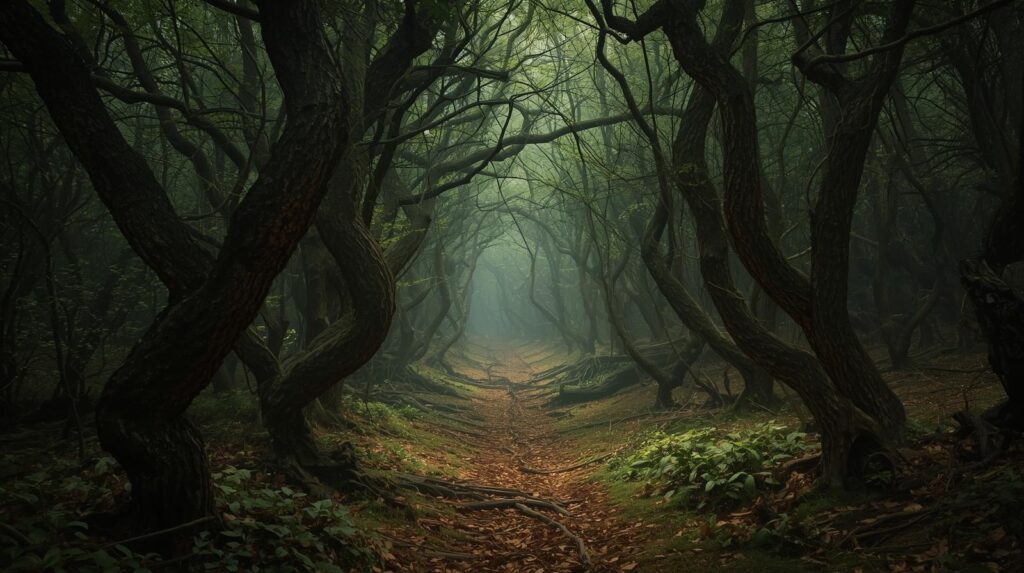
Now, let’s say you love landscape photography. Then what about turning a simple walk into something magical? The forest warp effect can help you to do this. This effect twists the trees and the ground to create a tunnel or a swirling look. It makes the viewer feel like they are being pulled into the center of the image.
You can use the Polar Coordinates filter in Photoshop to create this effect. But there is also another simpler way than this. It’s using the Edit > Puppet Warp tool.
It lets you pin down certain parts of the trees and pull others into curves. So, it adds a bit of mystery to your forest shots. Just keep in mind that you have to keep the center of the path clear so the viewer has a place for their eyes to rest. Ultimately, it’s a simple and really image-mood-changing effect that you must want to try out.
9. Glitch effect
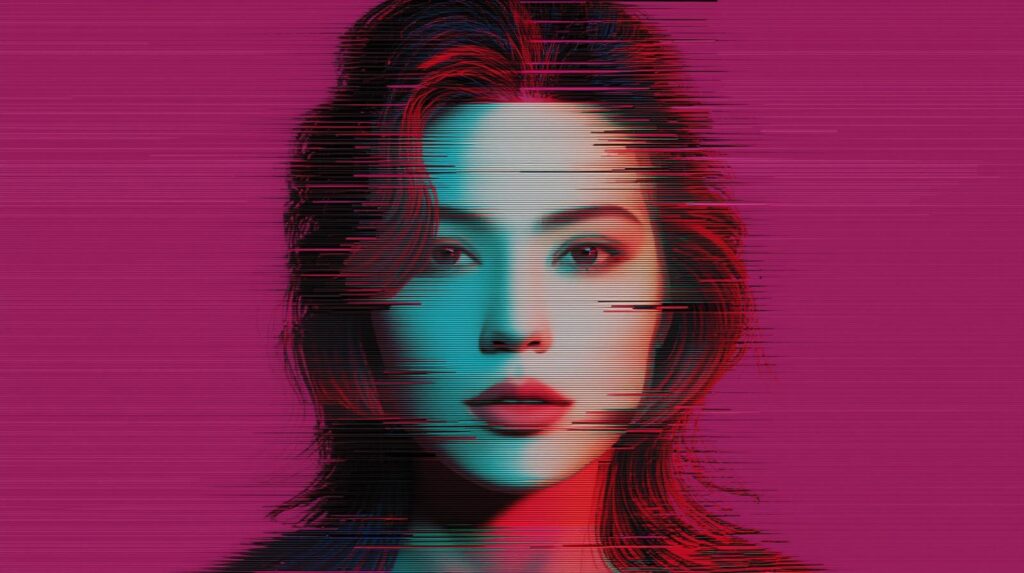
If you want to give your photos a digital error or retro-tech vibe, you should try out the glitch effect with Photoshop. This effect creates a look like a frame from an old VHS tape or a broken computer screen. That’s why creating a glitch effect is perfect if you want to add an edgy and modern feel to street photography or portraits.
Now, let’s see how we can do this. Go to your Channels panel and select just the Red channel. Use the Move tool to nudge the image slightly to the left. When you turn the other channels back on, you’ll see a cool color fringe. You can also use the Rectangular Marquee tool to grab thin slices of your photo and slide them sideways. That’s it. You’ll see the resulting image that feels more raw and interesting.
10. Add a Sci-Fi portal
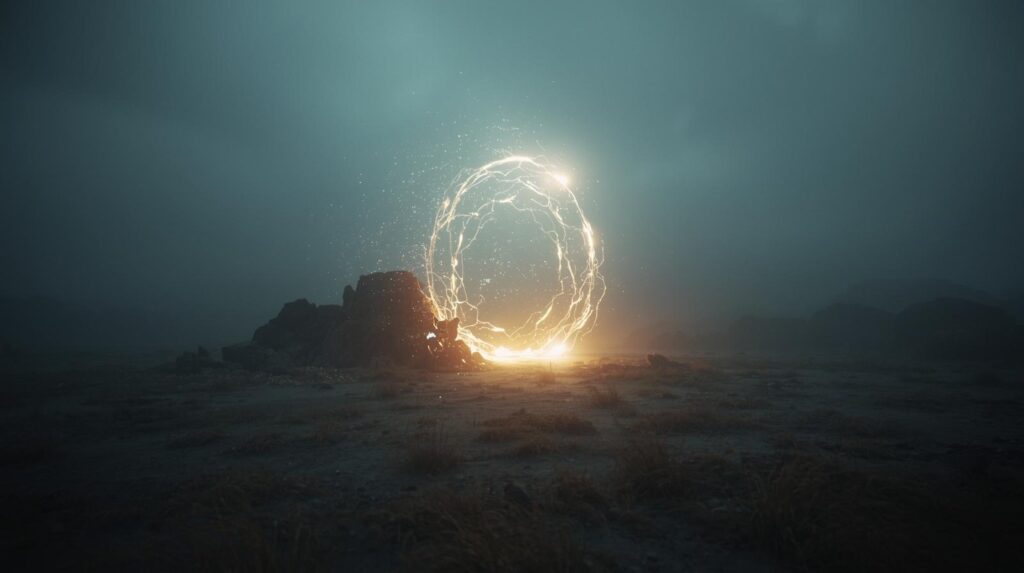
You can also add a sci-fi portal to turn a normal landscape into a scene from a fantasy movie. It creates a gateway that makes the viewer wonder where it leads. The effect is all about playing with light and circular shapes to create a sense of mystery.
To start, use the Elliptical Marquee Tool to draw a large circle. Then fill it with a bright color on a new layer. You need to use the Outer Glow and Inner Glow layer styles. It will make it look like it’s humming with energy. You can also drag in a photo of a different location, like a desert or a galaxy. Now, use the masking feature of Photoshop to mask it inside the circle.
11. Street art drip effect
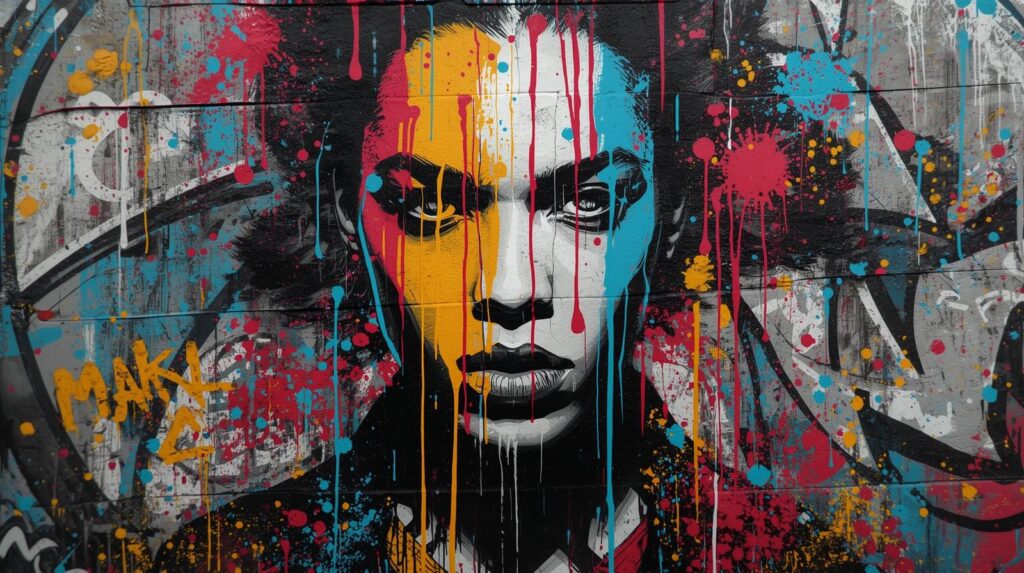
Transform your photos into a striking piece of melting street art with the paint drip effect. The technique gives the illusion that liquid is literally running off your subject. So, it adds a sense of fluid motion to a static frame.
In Photoshop, you can achieve this by using the Liquify tool. Using the tool, you need to carefully drag pixels downward in long, organic strokes. You should also add a small bead at the bottom of each drip to make the effect look much more three-dimensional and realistic. It’s a perfect style for edgy portraits and artistic fashion shots. You can also use this effect for high-impact digital posters that demand attention.
12. Collage art
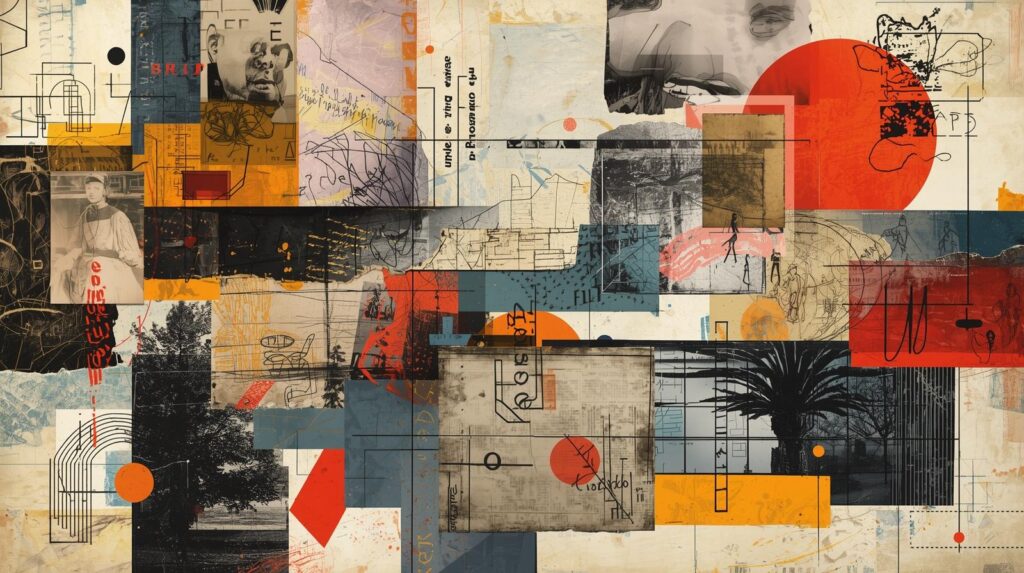
The collage art is a fantastic way to break away from traditional photography. It allows you to combine different images, textures, and shapes to create a unique look. Instead of focusing on one perfect shot, you can mix various elements to show a mood or a message.
In Photoshop, you can use the Lasso Tool to cut out subjects with paper-like edges. By layering these pieces and adding Drop Shadows, you create a 3D look. It will create a handcrafted image, giving your portfolio or brand a truly artistic and personal touch.
13. The inception effect
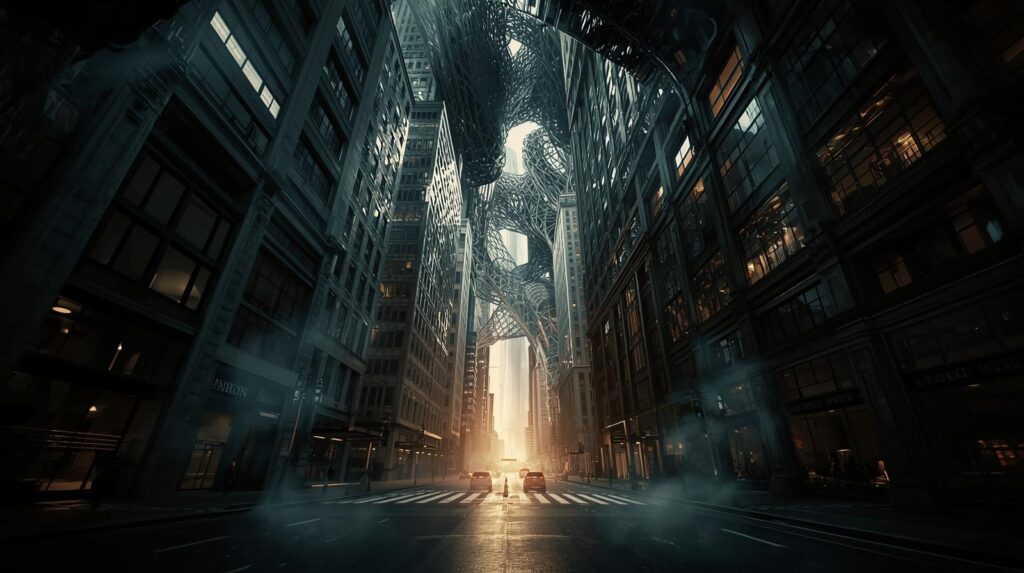
The Inception effect is another great Photoshop idea that you can use to turn a standard image into a folding world. It’s inspired by the famous movie scene where the city bends over itself. The effect is so effective that it can make your viewer stop and look closer at your work. In Photoshop, you can do this by duplicating your image. Then use the Free Transform tool to rotate or flip the top layer. Next, you have to blend the two horizons together using Layer Masks and the Gradient Tool for a dreamlike look.
14. Create pop art
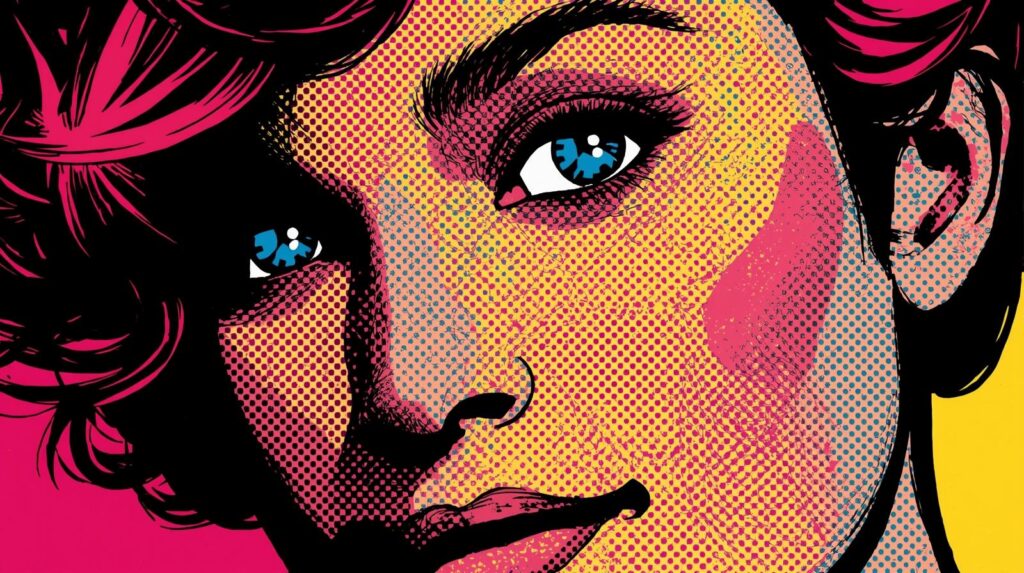
Pop art creates a bold and colorful effect in the images. This Photoshop effect is all about using high contrast and bright colors to make an image stand out.
You can start by using the Threshold filter to turn your photo into a sharp black-and-white graphic. Then, use Layer Masks to fill different sections with different colors like bright yellow or hot pink. You can also add a Halftone Pattern overlay to give your image that classic comic book feel. It can make your work look energetic and truly iconic.
15. Wrap text around shape
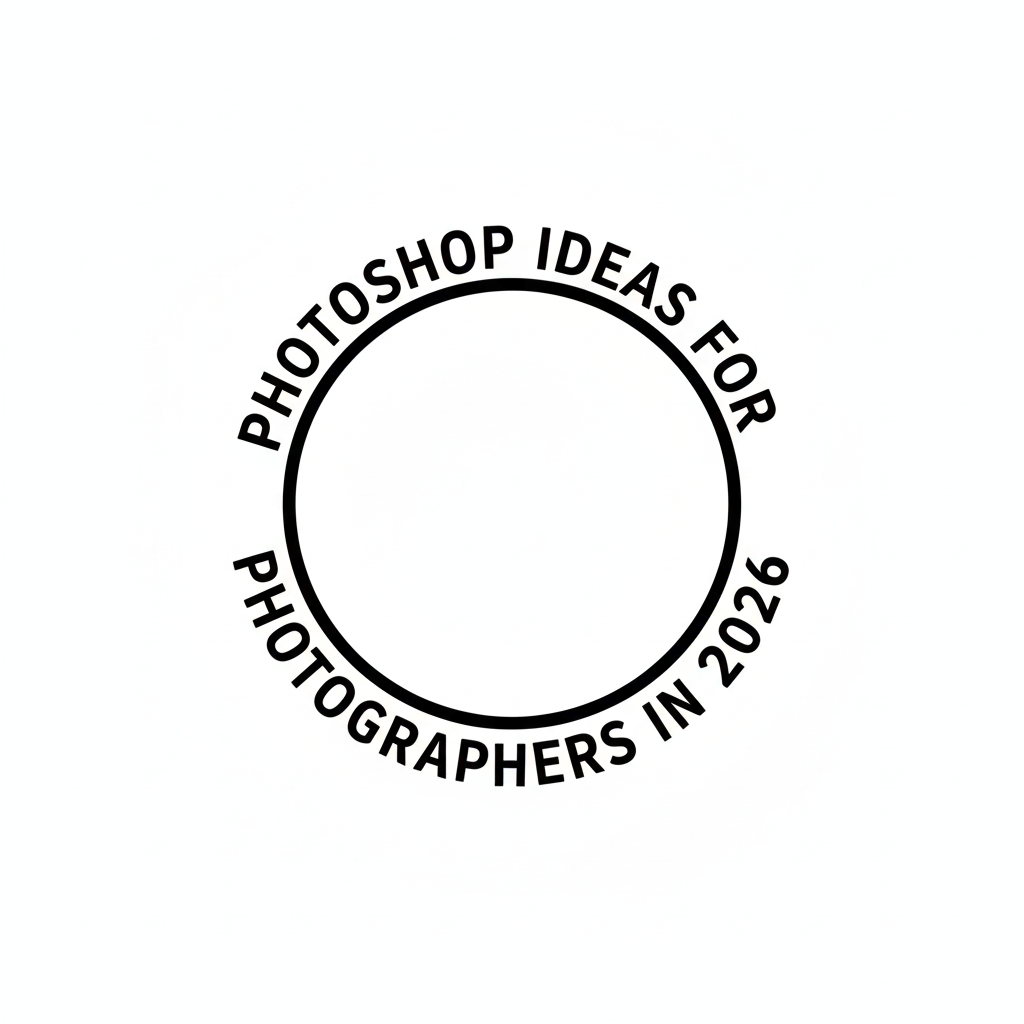
In your photography, if you need to blend the graphic design, you can use this Photoshop idea. Wrapping text around a shape helps your message feel like it is part of the image instead of just sitting on top of it.
It’s also very simple to create this effect. Just use the Pen Tool and draw a path around your subject. After creating the path around your subject, click on it with the Type Tool. Now the text will follow the curve perfectly, creating a professional look for your photography projects.
16. Moon lanterns
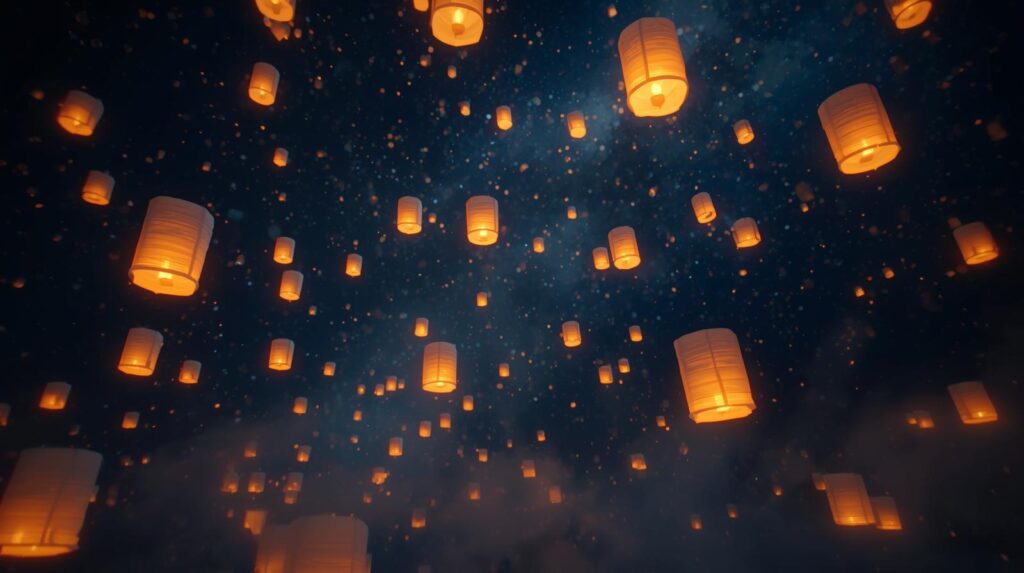
Moon lanterns are a magical way to add a fairytale feel to your night photography. This idea is about making ordinary lanterns or glowing objects like they are holding the moon itself. In Photoshop, you can place a high-quality image of the moon over a lantern very easily.
First, change the blending mode to Screen. Then you have to use the soft Outer Glow and use a warm brush to paint light onto your subject’s hands. That’s how you can create a glowing and dreamy atmosphere that feels like a quiet story from a book.
17. Creating composite images
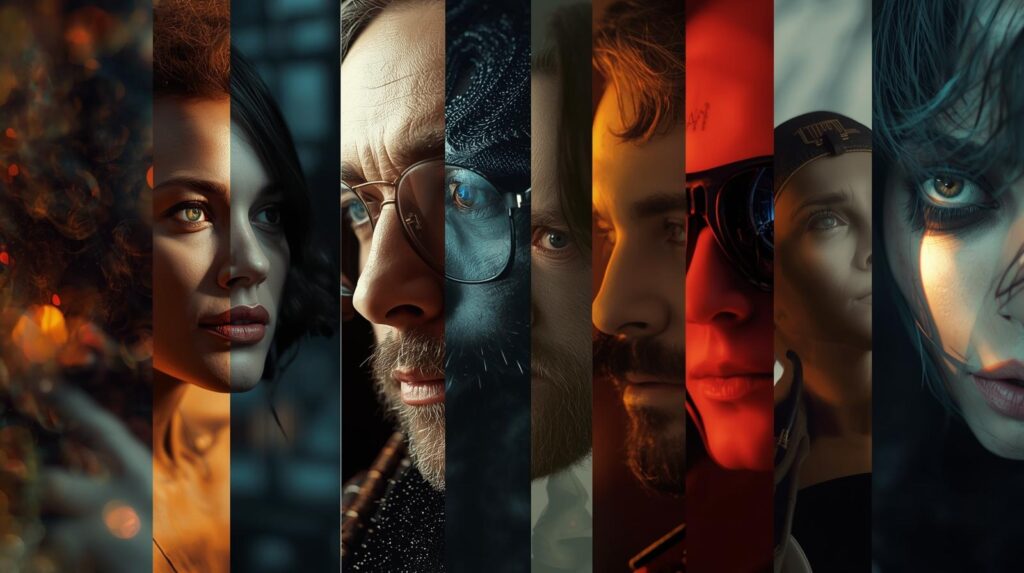
Now it’s our other great Photoshop that you can try out this year to make your photography exceptional compared to your competitors. It creates composite images. Here, creating composite images is about combining multiple photos into one single scene. It allows you to build worlds that don’t exist in reality. For instance, a whale swimming through a forest. Isn’t it interesting?
In this idea, the secret is to match the lighting and perspective of all your elements. You can use Layer Masks to blend the edges and Adjustment Layers to make sure the colors match perfectly. It is a great way to express your imagination to yourself, customers, or your viewers. However, to create seamless composites, you need to ensure precise cutouts. So, before you build composites, make sure your images are professionally retouched and clipped.
Get expert clipping & retouching by Clipping Path CA
18. Cinemagraphs
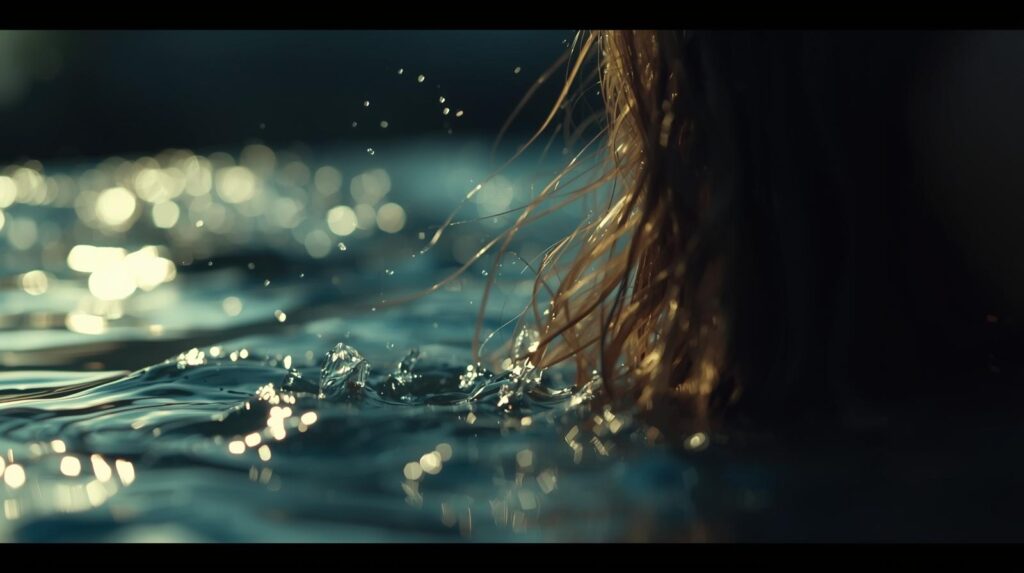
Cinemagraphs are one of the most effective ways to capture the attention of your viewers, combining photography and videos. They are still images with a single, subtle motion. But they move in a loop. For instance, flowing water or flickering candlelight. The idea creates a mesmerizing living photo that feels both peaceful and alive.
To create cinemagraphs in Photoshop, import a short video. Then use a Layer Mask to freeze most of the frame, letting one specific area move. That’s all! You will find great cinemagraphs in your images with this technique.
19. Bokeh effect
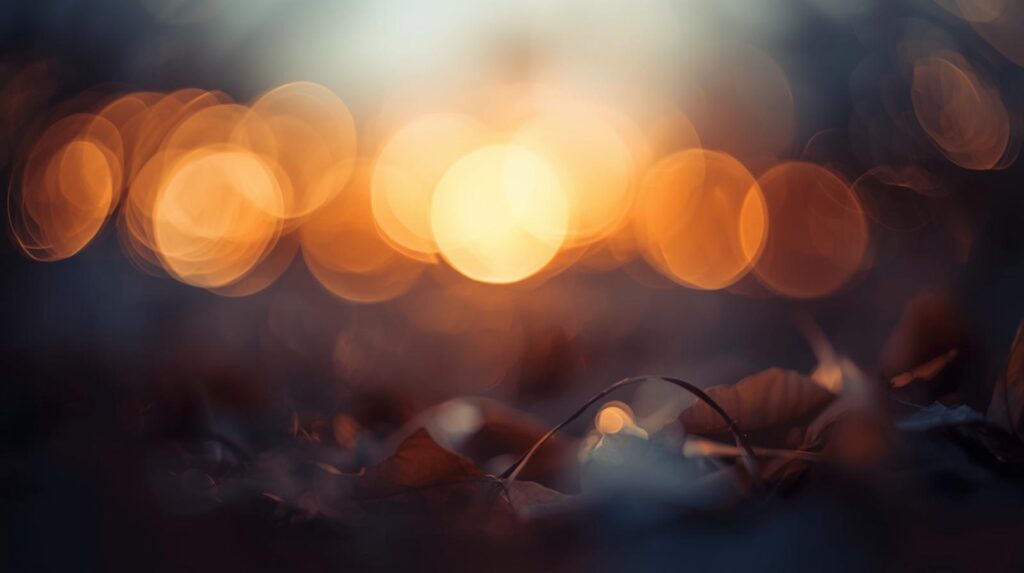
With the bokeh effect, you can bring the focus of the viewers to your subject by softly blurring the background into beautiful, out-of-focus circles. It adds a professional and high-quality feel to your portraits or close-up shots.
Actually, if your lens doesn’t create enough natural blur, you can achieve this in Photoshop. You just need to use the Field Blur or Bokeh Gallery filters. Using these filters, you can turn distant lights into soft and glowing shapes. Moreover, it also helps the viewer’s eyes go straight to your subject, making the whole image feel more intimate and warm.
20. Watercolor paint effect
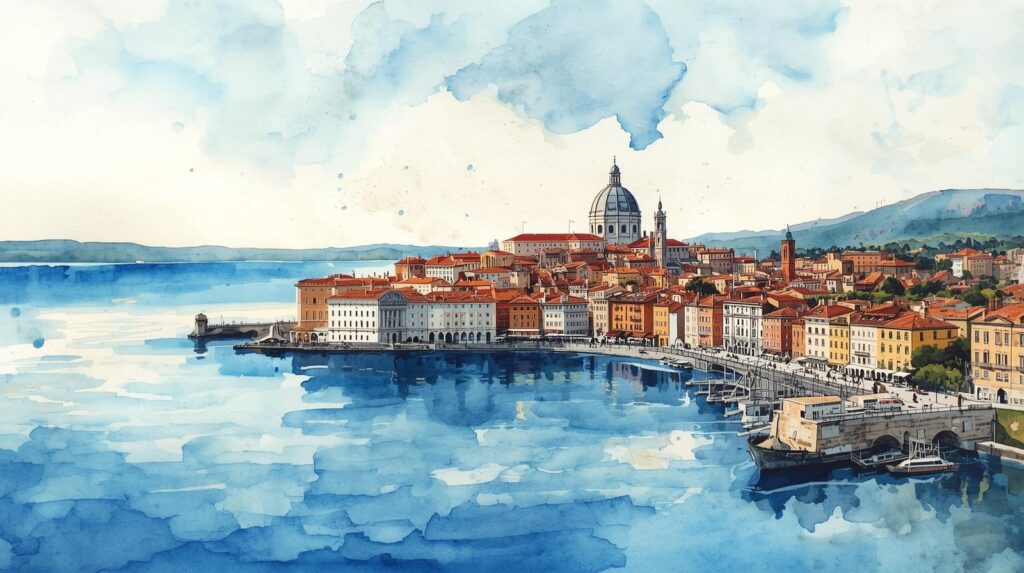
You can also turn your photographs into soft and artistic paintings with this watercolor paint effect. It’s a very lovely way to change your images into something amazing. On top of that, it gives your images a handcrafted feel that looks like it was created with brushes and paper instead of a camera.
To create this effect, first go to your Photoshop and choose the Dry Brush or Median filter. These filters simplify the details of your photo. Layer a real watercolor paper texture on top and use Blending Modes. It’ll create a beautiful and bleeding paint look that feels light, airy, and full of emotion.
21. Retro 3D effect
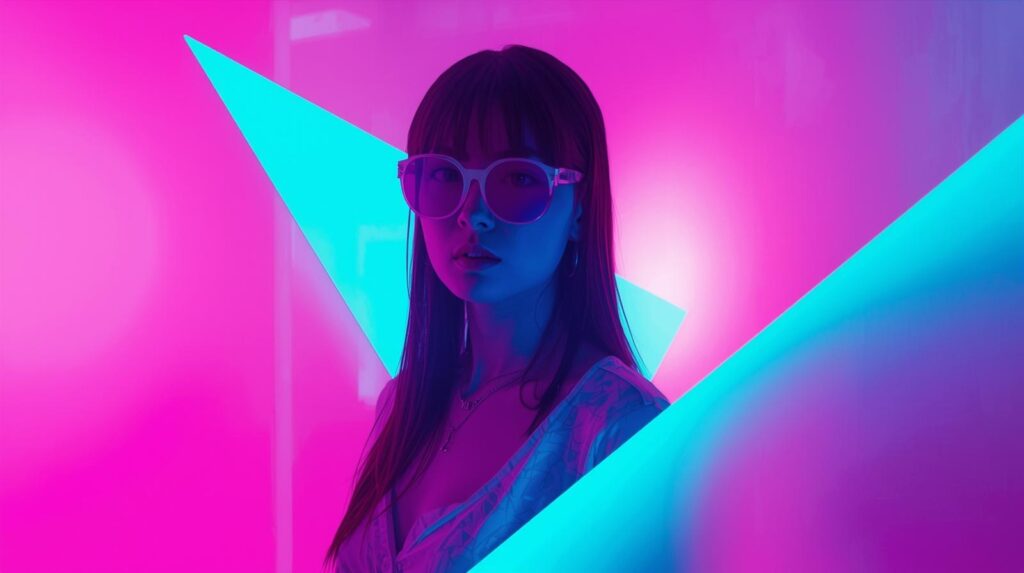
If you want to create a nostalgic and vintage feel in your images with Photoshop, you can use this effective retro 3D effect. It mimics the look of old 3D glasses, where the red and blue colors seem to overlap and shift. Now let’s see how we can use this retro 3D effect in Photoshop.
- First, duplicate your image layer.
- Double-click it to open the Layer Style options.
- Uncheck the “Red” channel.
- Nudge the layer slightly to one side.
This simple shift creates a cool “color glitch,” or anaglyph look that instantly adds energy to your shot.
22. Color splash effect
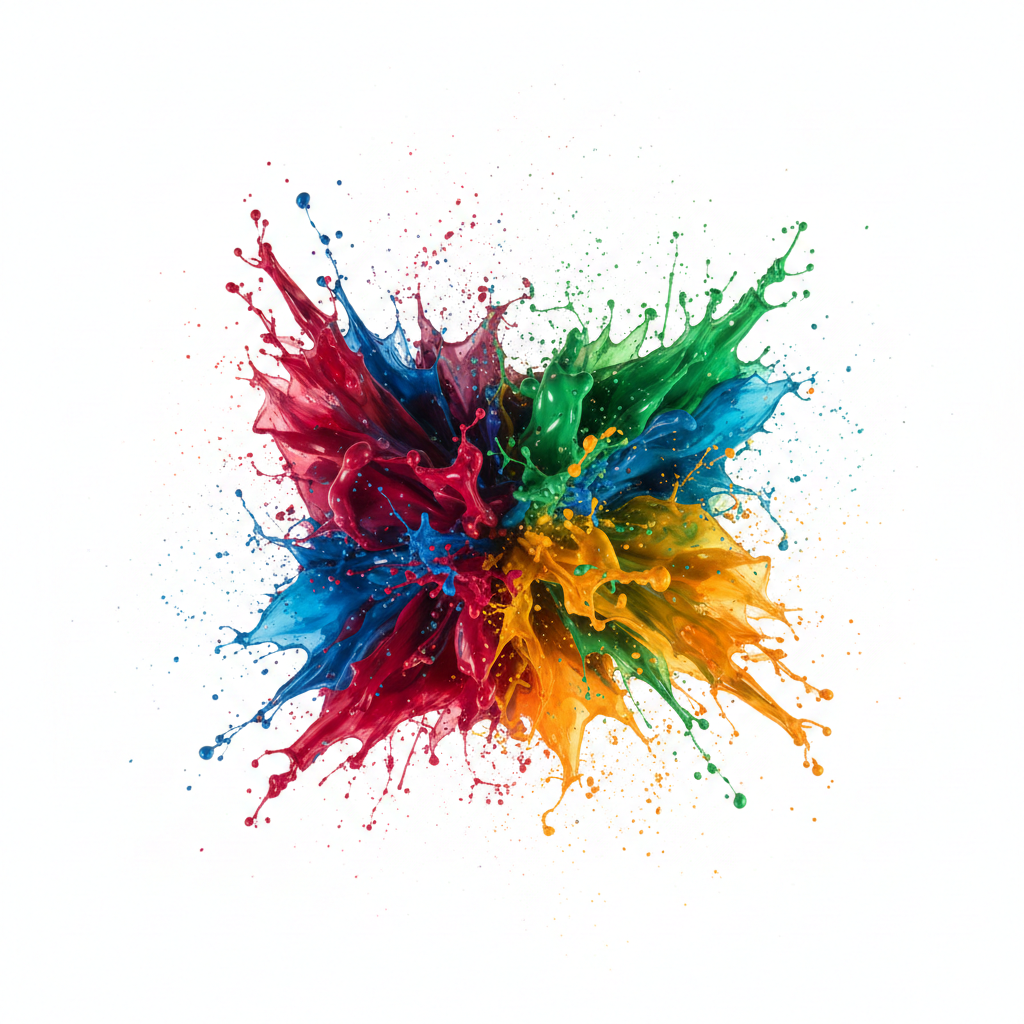
The color splash effect is a classic technique that makes a specific subject stand out by turning the rest of the image or background black or white. This is a very effective way to guide the viewer’s eye exactly where you want it to go. In Photoshop, you can easily do this by adding a Black & White Adjustment Layer. After that, you need to use a soft brush on the Layer Mask to reveal the original color underneath. It works beautifully for different cases. For instance, highlighting a red rose or a colorful umbrella adds a touch of drama.
23. Surreal miniature
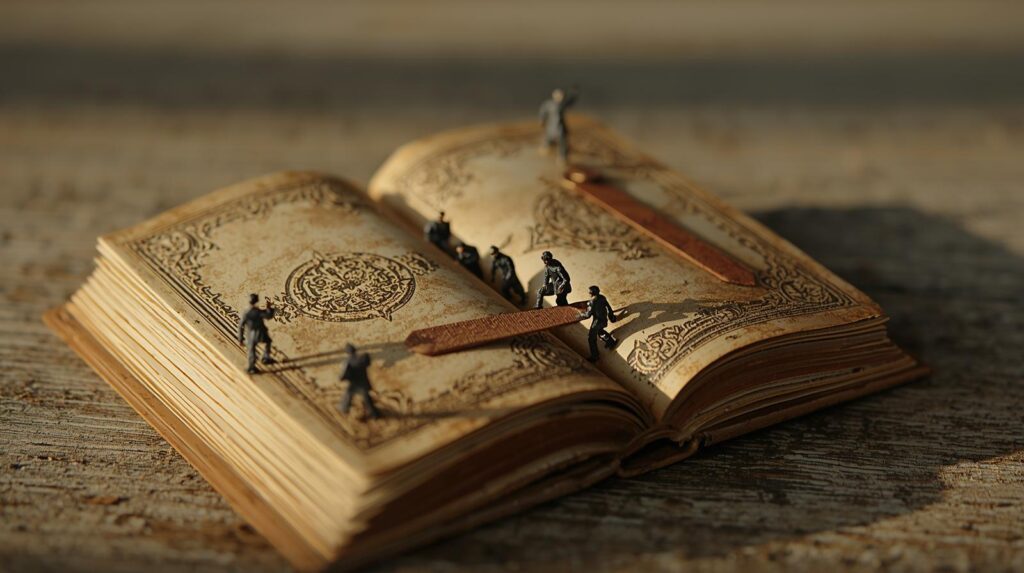
The surreal miniature effect is a technique where we want to make the real world look like a tiny and toy-sized model. You’ve also seen this technique in many portfolios or social media platforms. It also attracts the viewers very much. The surreal miniature effect works by tricking the eye into seeing a very shallow depth of field. It usually only happens in macro photography, but you can create it in Photoshop.
In Photoshop, you can achieve this by using the Tilt-Shift Blur filter. Then, keep a small horizontal strip in sharp focus and blur everything else. With this effective and smart technique, you make giant buildings and cars look like small figurines that can attract each of your viewers.
24. Layered storytelling effect
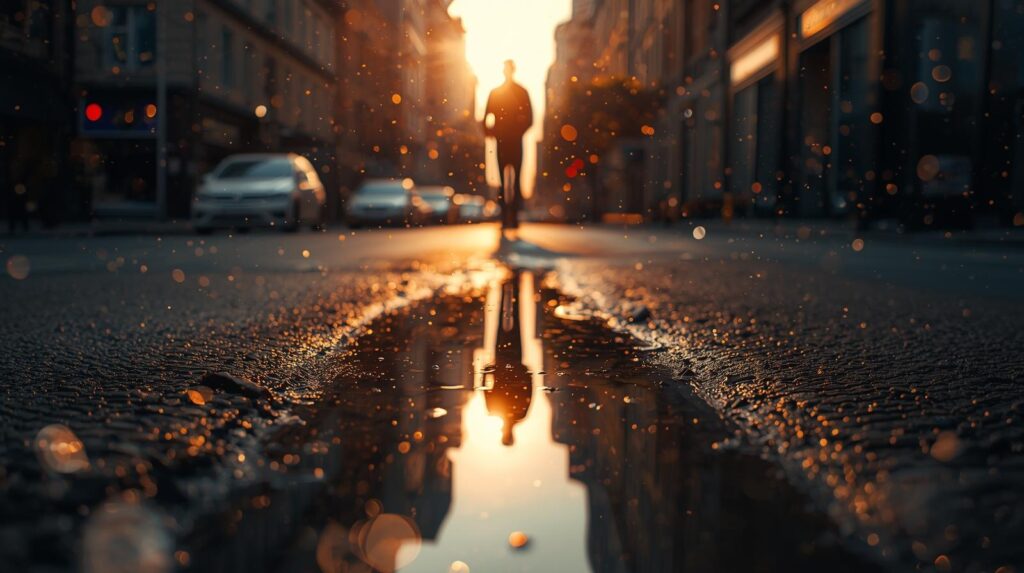
Now, let’s share with you a poetic idea that you can create easily in Photoshop. It’s the multiple exposure effect. The idea is about blending two different stories into a single frame. The idea is mainly inspired by old film cameras that will layer one image over another. It offers a ghostly and artistic result in your image.
So, ultimately, the style is perfect for showing a deep connection between a person and nature. In Photoshop, you can place a landscape over a portrait and change the Blending Mode to Screen or Lighten. Then you just need to use a soft Layer Mask, blending the two together for a dreamy and thoughtful look.
25. Image mosaics effect
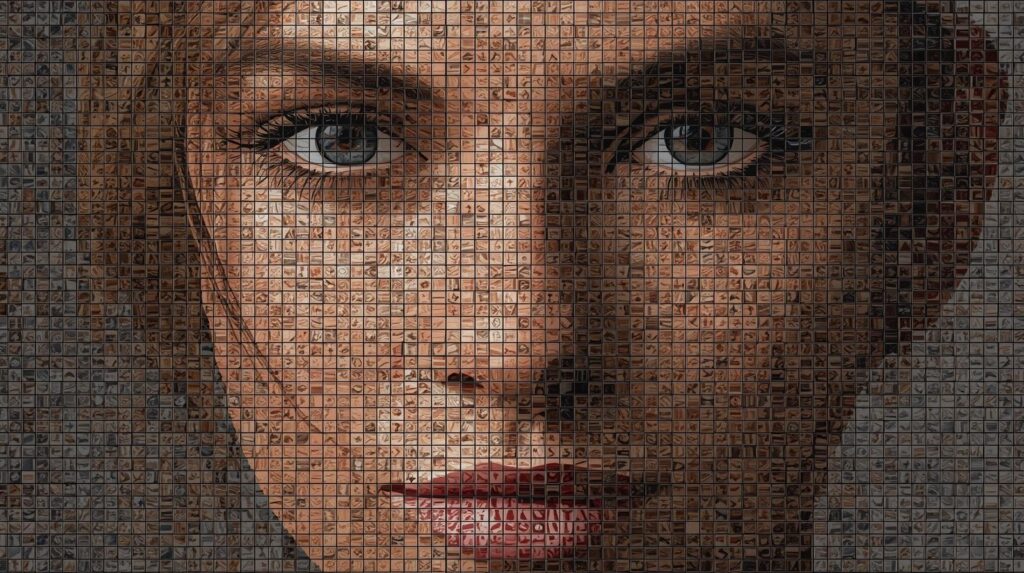
The image mosaic effect creates a large picture out of hundreds of tiny and individual photos. It’s like building a puzzle where every single piece is a memory of its own. When you say the image from a distance, the colors blend to form one main subject. But up close, you’ll see the smaller details reveal a much larger story. You can use the Contact Sheet feature or a specialized pattern overlay in Photoshop to arrange your images into a grid that offers this complex style.
26. Infrared effect
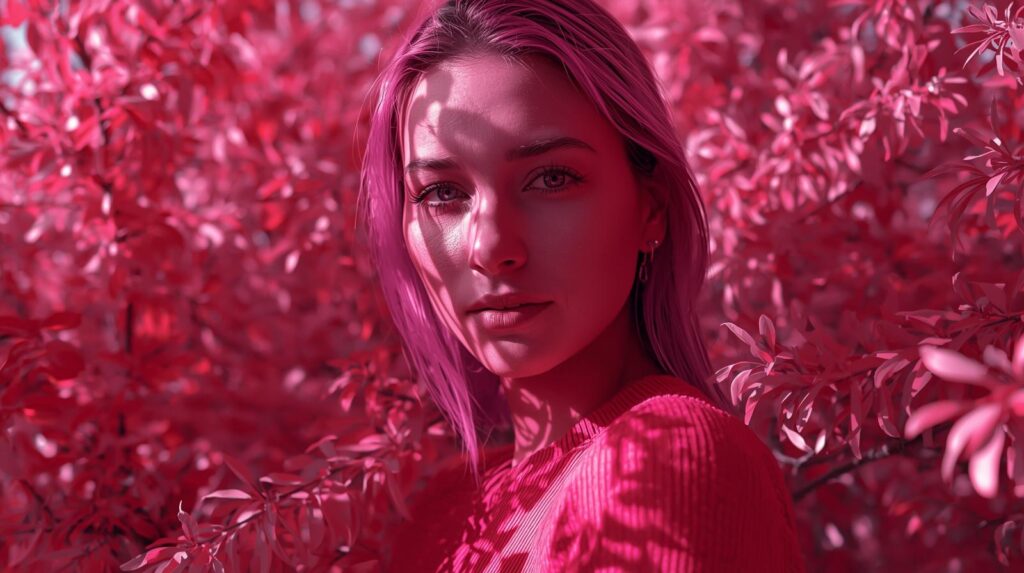
To give your photographs a kind of dreamlike look, the infrared effect can be the perfect option. With this technique, you can create a look of specialized film that captures light invisible to the human eye. Like turning green leaves into bright white or vivid pink.
In Photoshop, you can recreate this effect by using a Channel Mixer adjustment layer. You need to swap the red and blue channels to make blue skies look deep, or trees look ghostly. That means with the infrared effect, you can get an ethereal glow that feels truly magical and unique.
27. Vintage photo effects
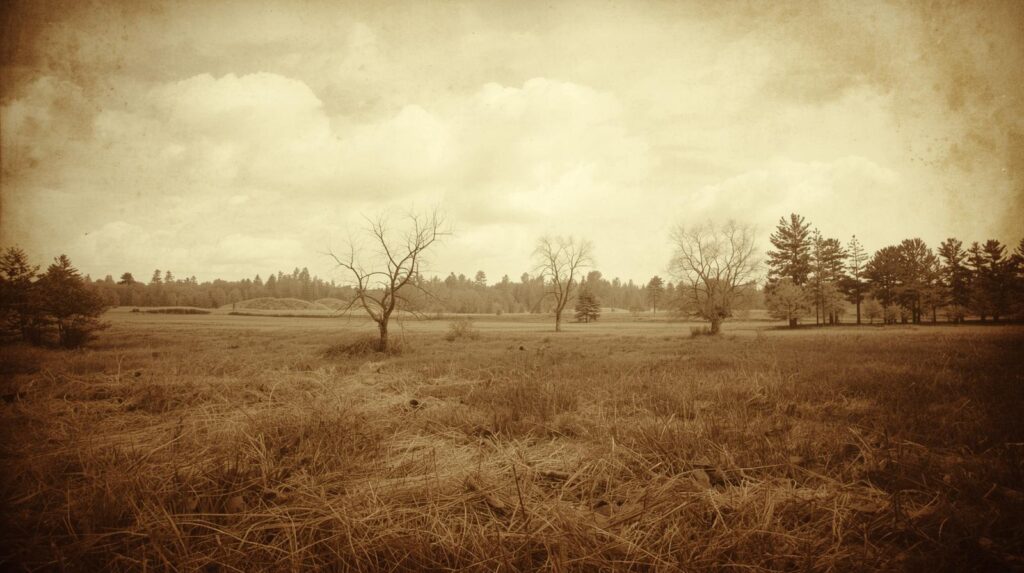
You must agree with me that there is always something so charming in the images that looks like it has been tucked away in an attic for decades. This effect is popular for its nostalgic charm and its ability to evoke the past.
Here, the key technique is to add character through imperfections. Such as faded colors, light leaks, and a bit of film grain. Photoshop also makes it easy for you to create this effect. Here, you can use the Curves to wash out the blacks and add a Solid Color fill layer set to a pale yellow or blue. It ultimately gives the digital shot a soulful and nostalgic feel that is incredibly personal.
28. Set things on fire
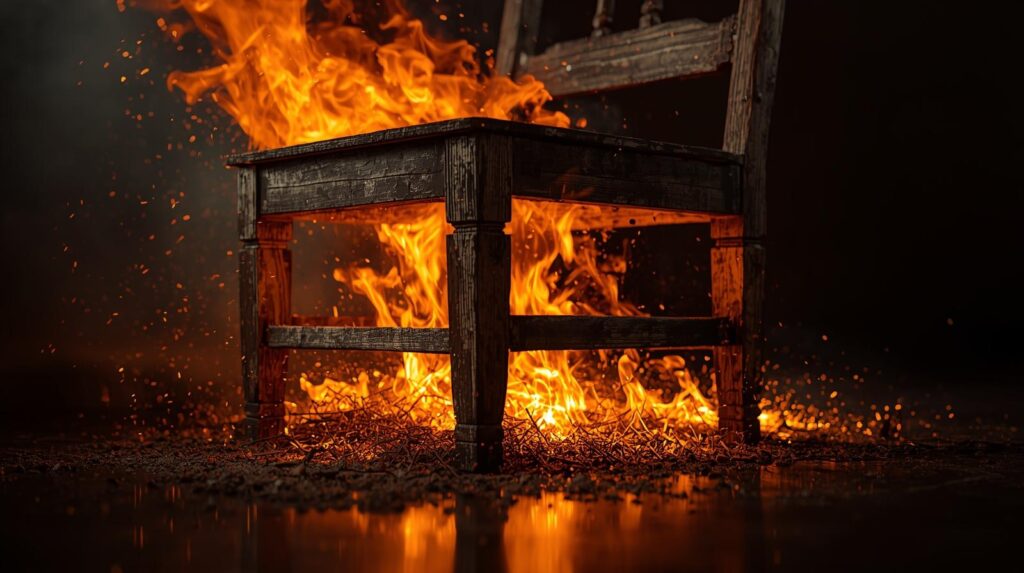
Adding fire to a photo is a thrilling way to dial up the drama and create a cinematic scene. It’s perfect for making an ordinary object look powerful or even dangerous. To do this realistically in Photoshop, place real fire textures over your subject and change the Blending Mode to Screen. Now add an orange Inner Glow and paint rim light on the edges of your subject. It will show the heat reflecting off them, making the flames feel truly alive and intense.
29. Play with clouds
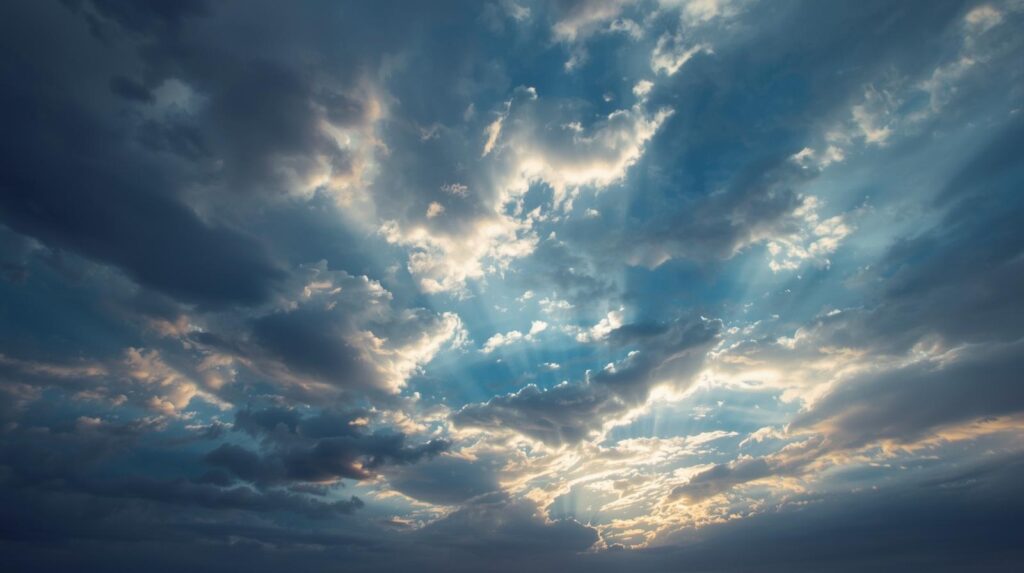
There is no wonder that clouds are just like the own design of nature paintings. And we, as photographers, play with these clouds; we can completely change the mood of our images. We can replace a dull or grey sky with a dramatic sunset or even tuck text behind a fluffy cloud.
In Photoshop, you can use the Sky Replacement tool for quick changes. If you want more creative control, use a Layer Mask. The tool blends clouds into different shapes that you want to get in your images. The technique works best when you want to add depth and a sense of wonder to your outdoor shots.
30. Include falling snow or leaves
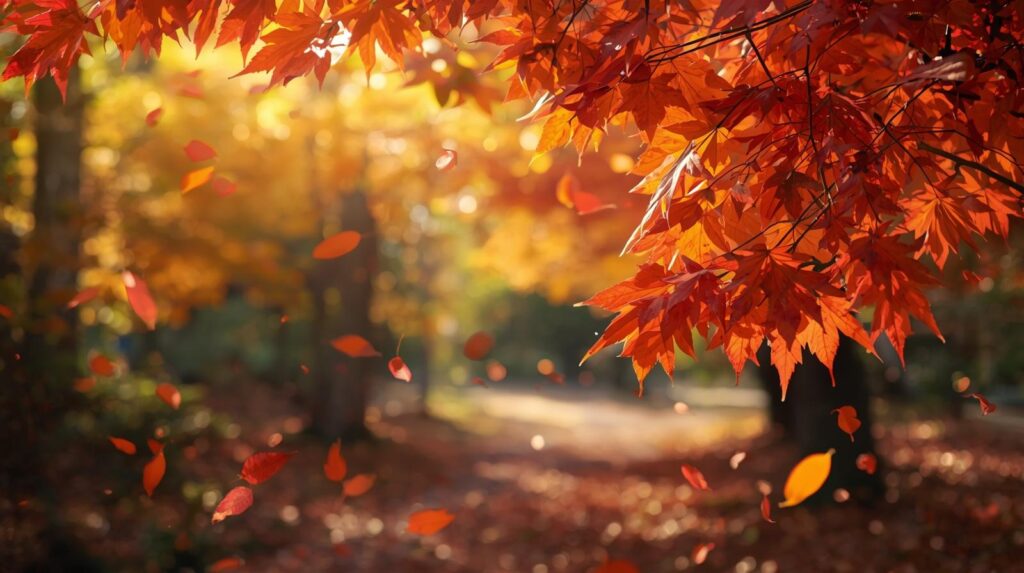
As for our last idea, it’s to add falling elements like snow or autumn leaves in your images. These natural elements help to inject movement or seasonal change into your images. This Photoshop idea is all about creating depth.
You need to place some leaves close to the lens with a heavy blur of small things in the distance. It’ll build a realistic 3D space. In Photoshop, you can use specialized brushes or overlay textures with the Screen blending mode. You can use this technique to turn your standard outdoor shot into a cozy look that catches the eyes of your viewers.
Wrapping Up: Photoshop Ideas For Photographers!
As you see, in 2026, photography and editing with Photoshop are all about pushing the boundaries of shutter clicks to creativity and imagination. The 30 creative Photoshop ideas we’ve discussed in this article can help you see your images in a more expressive way. All you need basic idea about Photoshop tools, and that’s all!
So, don’t limit yourself to just basic corrections in Photoshop. Instead, change moods, tell deeper stories, and build a signature style that stands out. So, just grab your favorite shots, open up a new project, and start turning your creative visions into reality!
Focus on creativity—let Clipping Path CA handle the edits.